 shivani singh
- December 26, 2021
Steps to Create EKS Node Group Using CloudFormation on AWS
Hello, In this blog we are discussing how to create EKS Node Group using Cloudformation. Cloudformation provides a platform where we can easily create a template and run the json/ymal code. It provides a way to create a collection of related aws services.
prerequisite:
- First we need to setup EKS cluster so click on link https://www.hackerxone.com/2021/12/18/steps-to-create-eks-cluster-using-cloudformation-on-aws/
There are some points to create EKS Node Group using cloudformation & also find the given below eks node group json code:
- Login to aws console.
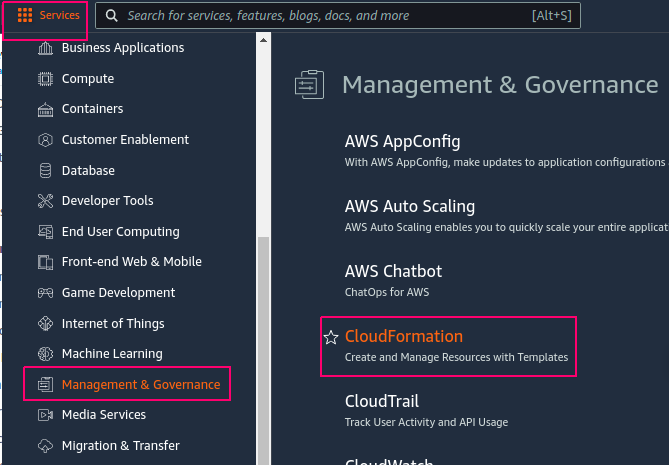
- Click on Services.
- Click on Management & Governance service & Select cloudformation.
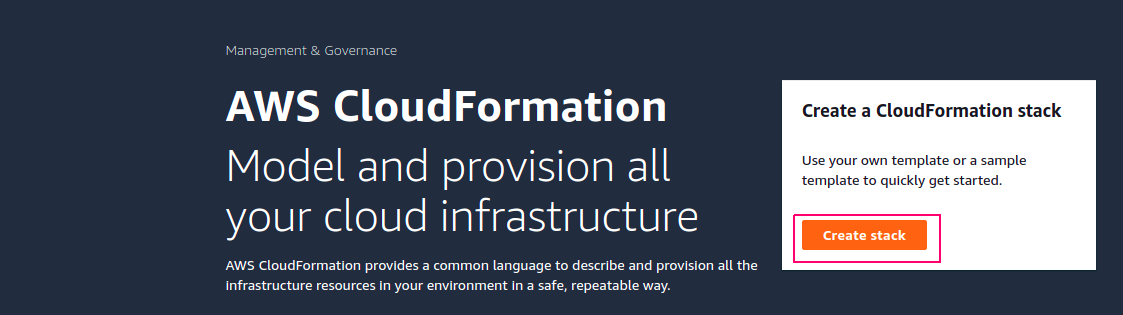
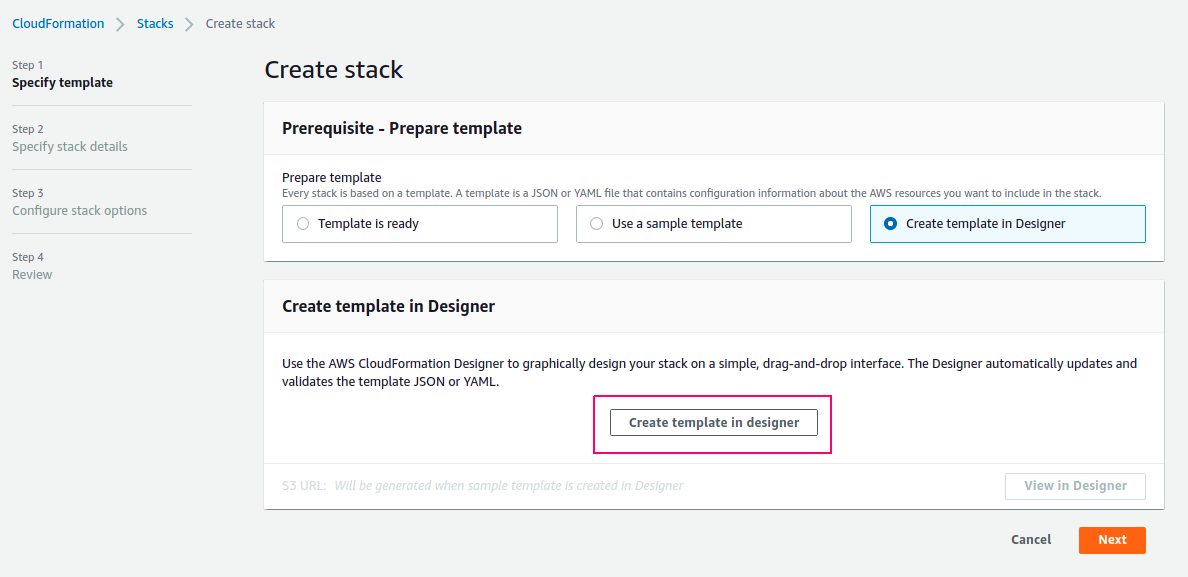
- Click on Create Stack.
- In Prepare template,select Create Template in designer for creating a new template.
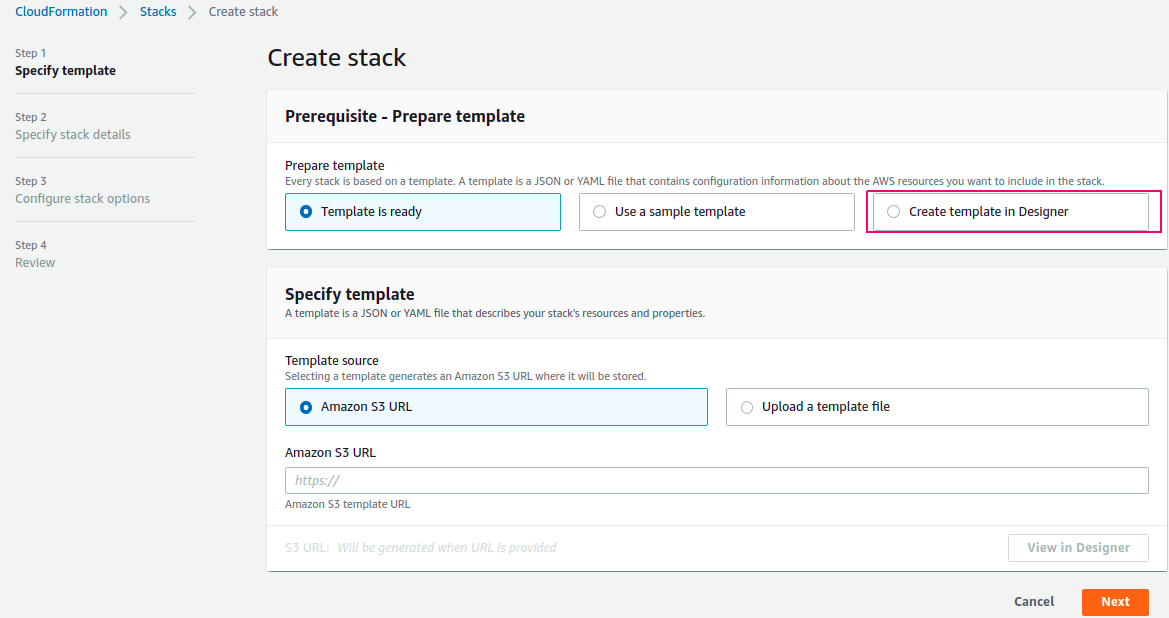
- Click on Create Template in Designer option.
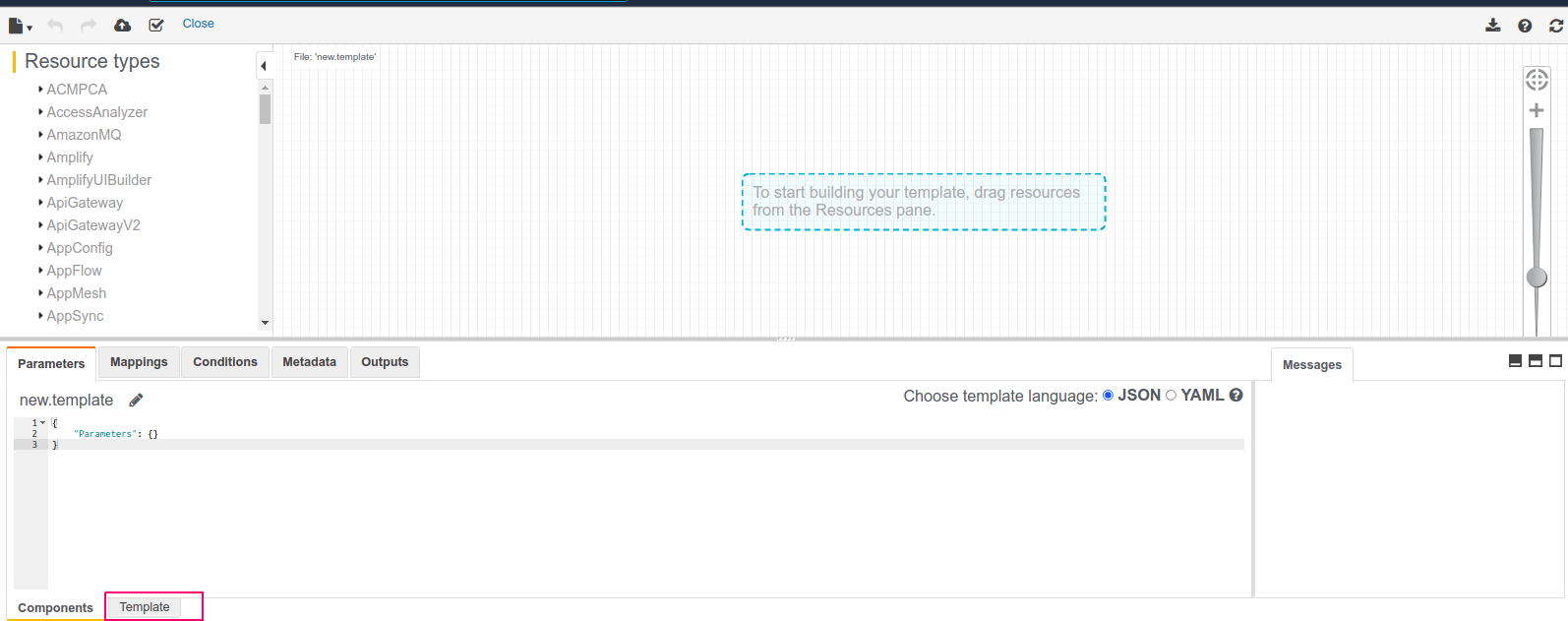
- At the bottom,there are two options: Components & template.
- Select template option.
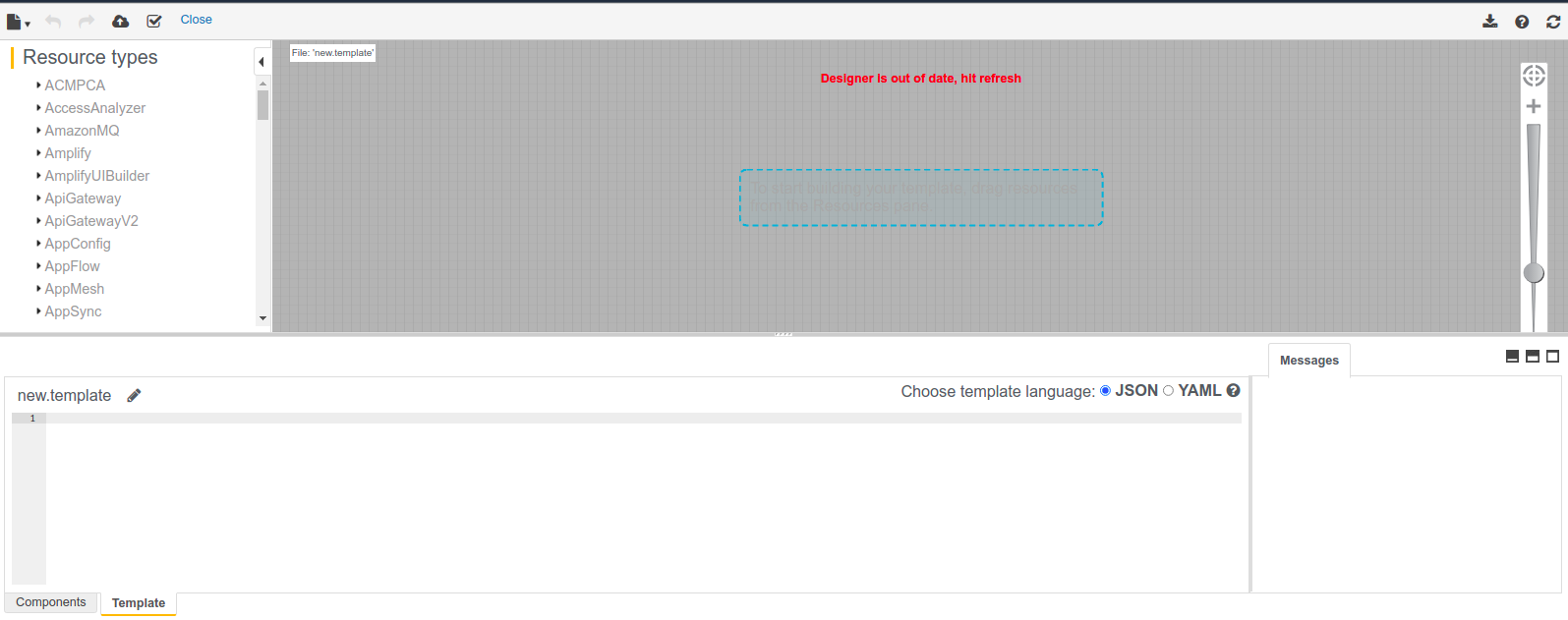
- First remove the already mentioned code.
- Then Add the following code in Json Formation.
{

"AWSTemplateFormatVersion": "2010-09-09",

"Description" : "AWS CloudFormation Sample Template to create eks cluster & node group.",

"Parameters" : {

"NetworkStackName": {

"Description": "Name of an active CloudFormation stack that contains the eks resources, such as the eks cluster, that will be used in this stack.",

"Type": "String",

"MinLength" : 1,

"MaxLength" : 255,

"AllowedPattern" : "^[a-zA-Z][-a-zA-Z0-9]*$"

},

"nodegroupname": {

"Type": "String",

"Default": "eks-Nodegroup",

"Description": "Name of the Node group."

}

},

"Resources": {

"EKSNodegroup": {

"Type": "AWS::EKS::Nodegroup",

"Properties": {

"ClusterName": { "Fn::ImportValue" : {"Fn::Sub": "${NetworkStackName}-eksclustername" } },

"NodeRole": "arn:aws:iam::683716129767:role/node",

"NodegroupName": {"Ref": "nodegroupname"},

"DiskSize" : 10,

"ScalingConfig": {

"MinSize": 1,

"DesiredSize": 1,

"MaxSize": 2

},

"RemoteAccess": {

"Ec2SshKey": "type-only-keyname",

"SourceSecurityGroups" : [ "sg-03ab3b7b72cf8223d" ]

},

"Subnets": [

"subnet-06e3403e7e97482f2",

"subnet-09d8dc8d4ea11d518"

]

}

}

}

}
- Click on Create Stack.
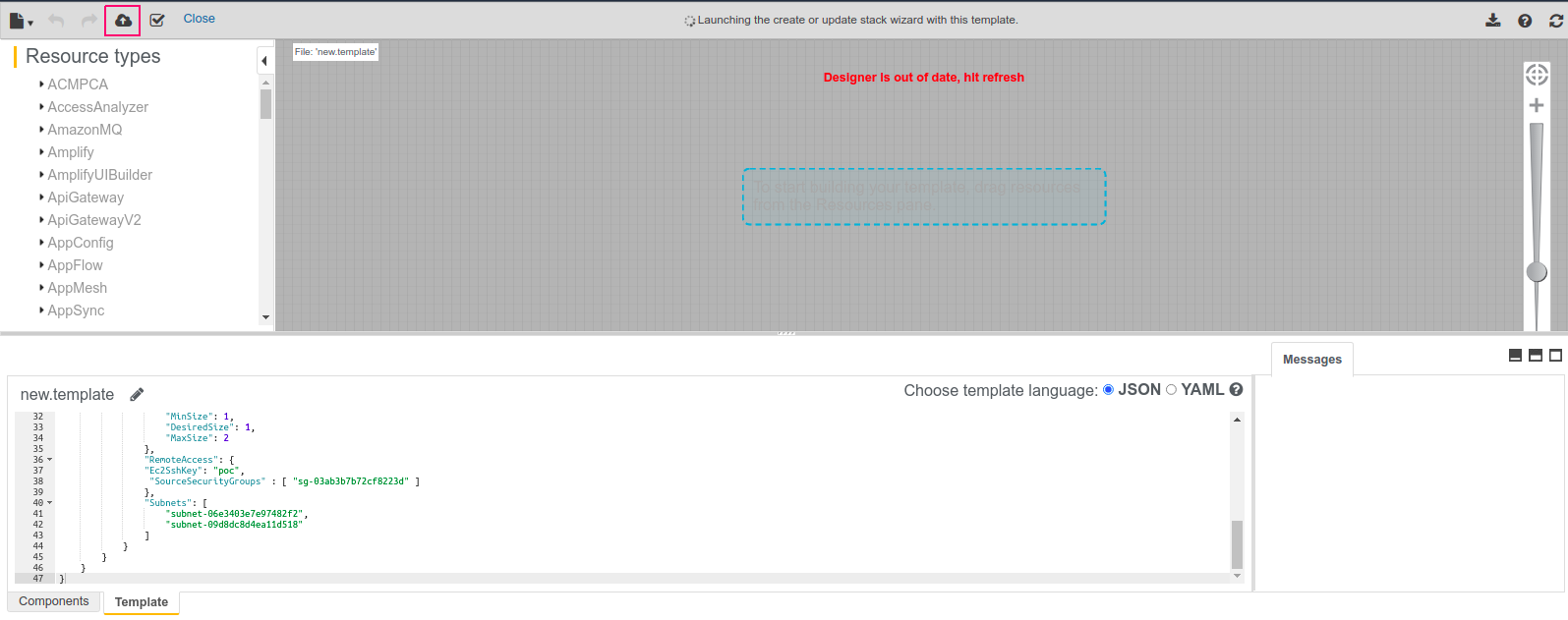
- Click on Next.
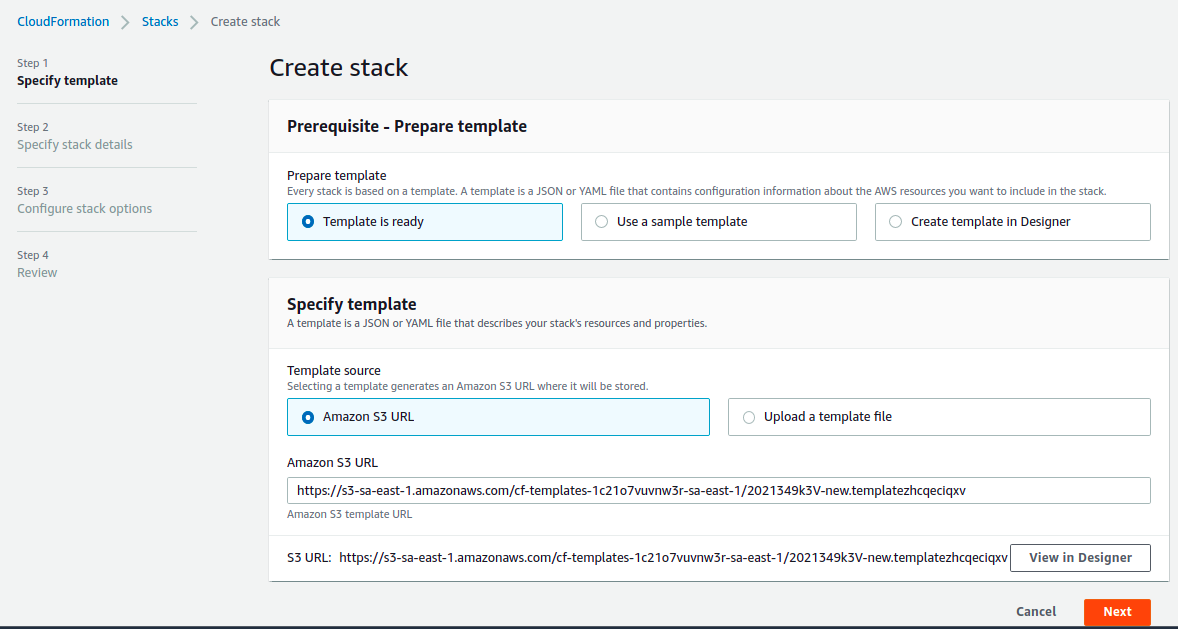
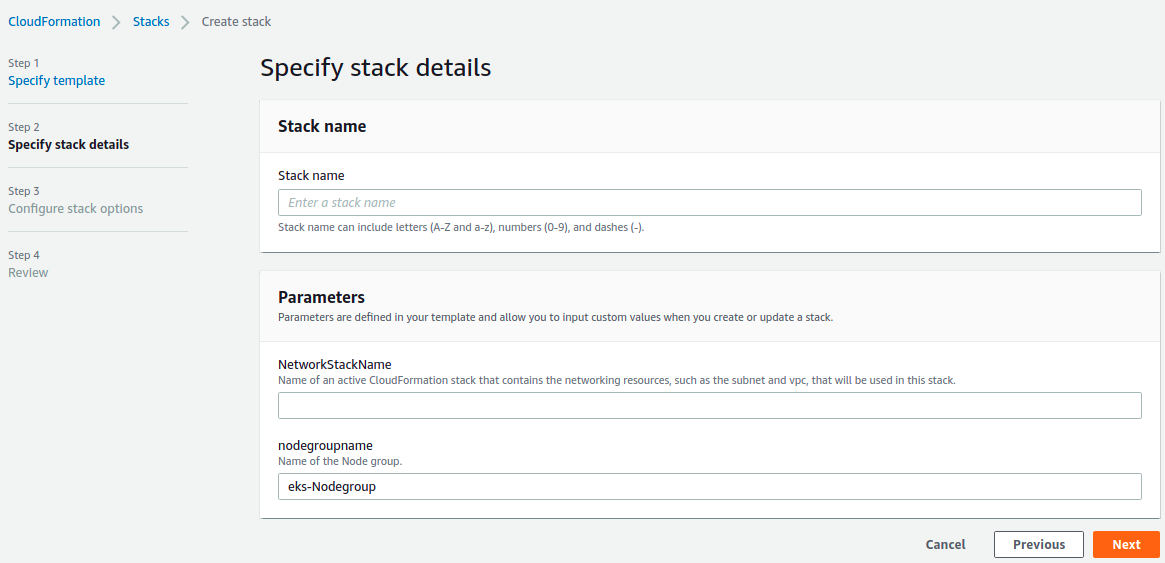
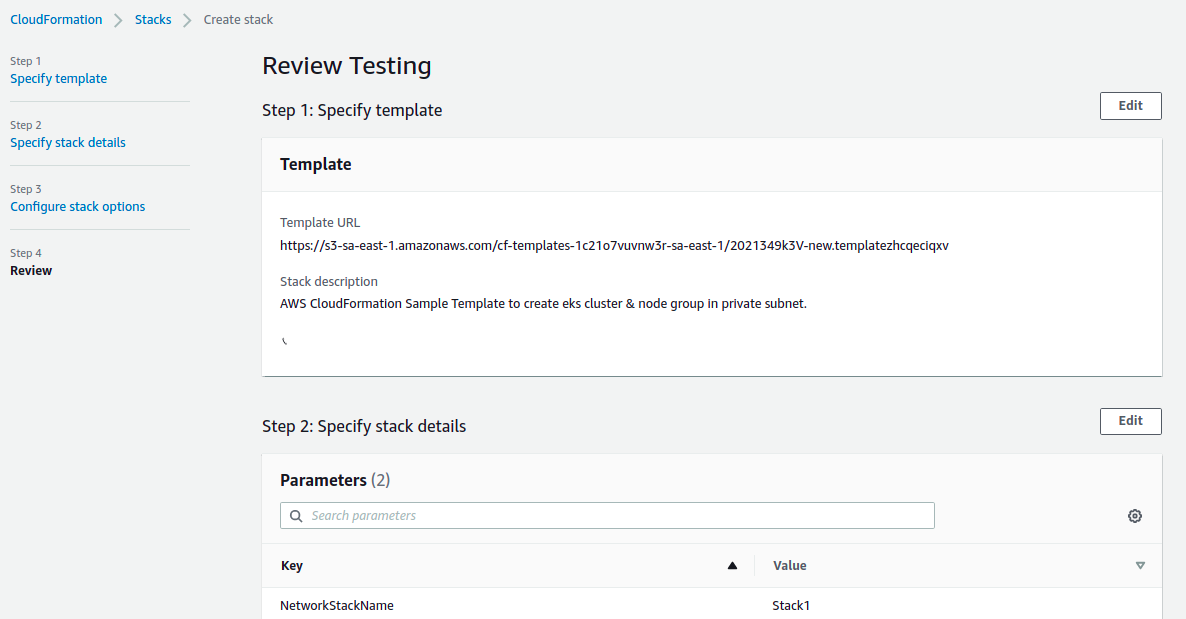
- Provide the Stack Name & Network Stack Name.Network Stack name is a name of an active CloudFormation stack that contains the eks cluster resources,that will be used in this stack.”
- Set the Parameters & Click on Next.
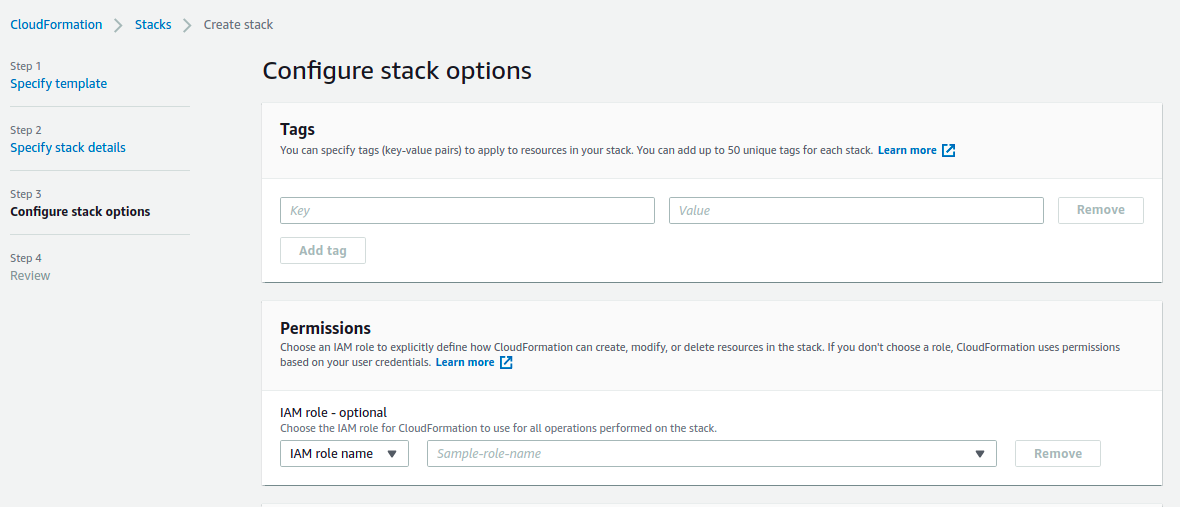
- In Configure Stack options, Provide tag key name & value.
- Click on Next.
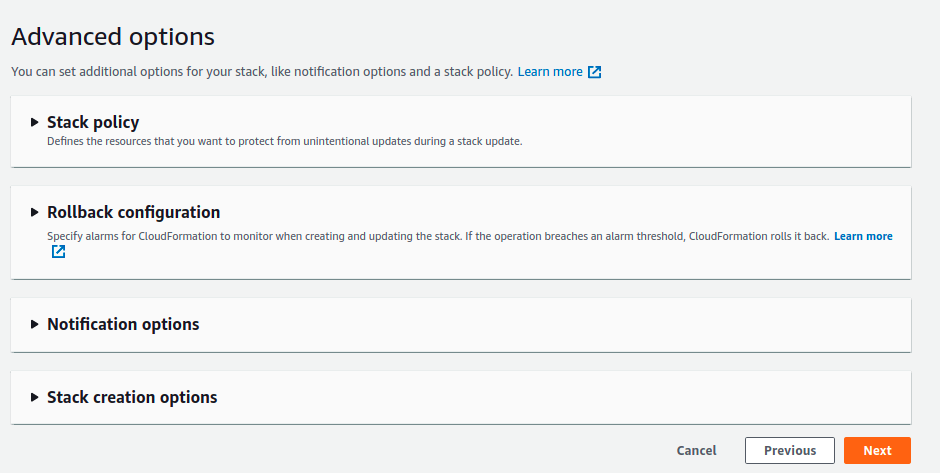
- In Review,check all configurations.
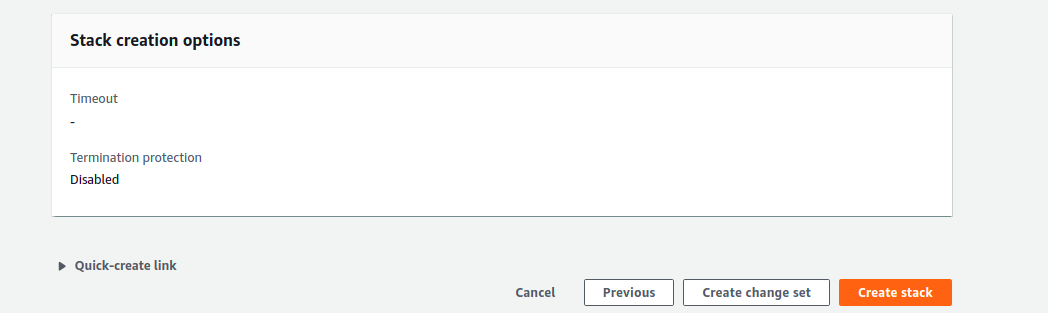
- Click on Create Stack.
- After sometimes, Stack is Ready.

- Go to Elastic Kubernetes Service.
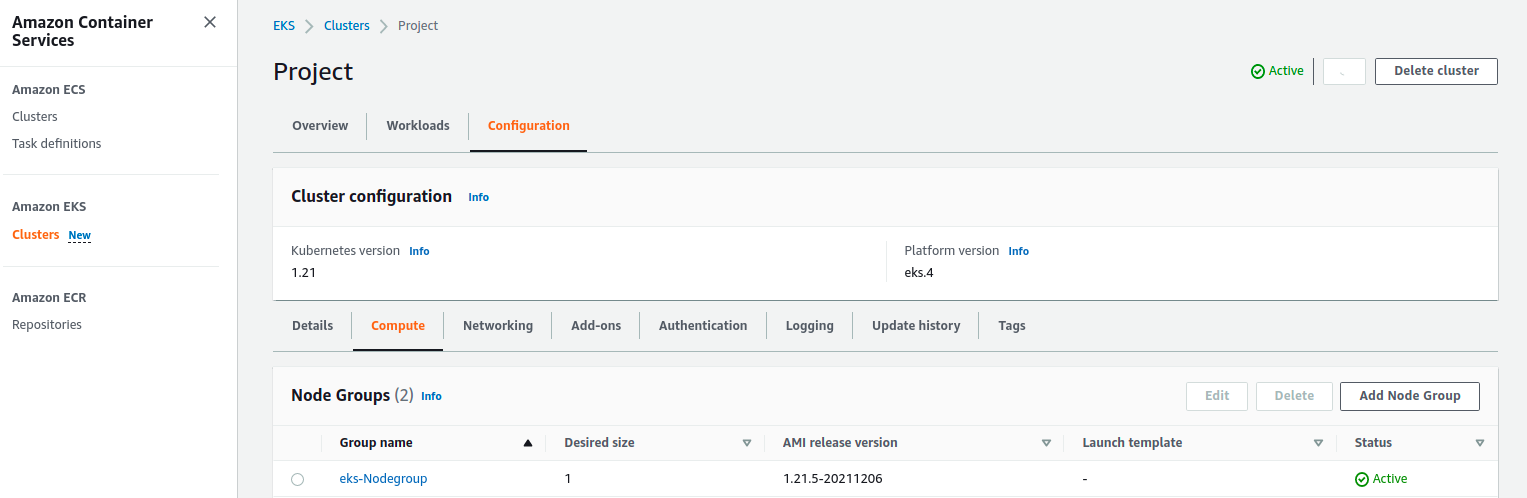
- Click on Eks cluster & check created eks node group name.