 Priya
Priya- June 22, 2022
Steps to Remove Roles & Features in Window Server 2019.
Hello,here we are discussing about for how to remove added roles & features in window server 2019 base.We can easily remove all the added roles,role service & features from window server.
There are some steps to remove roles & features in window server 2019 base:
- Login to Window Server 2019 Base.
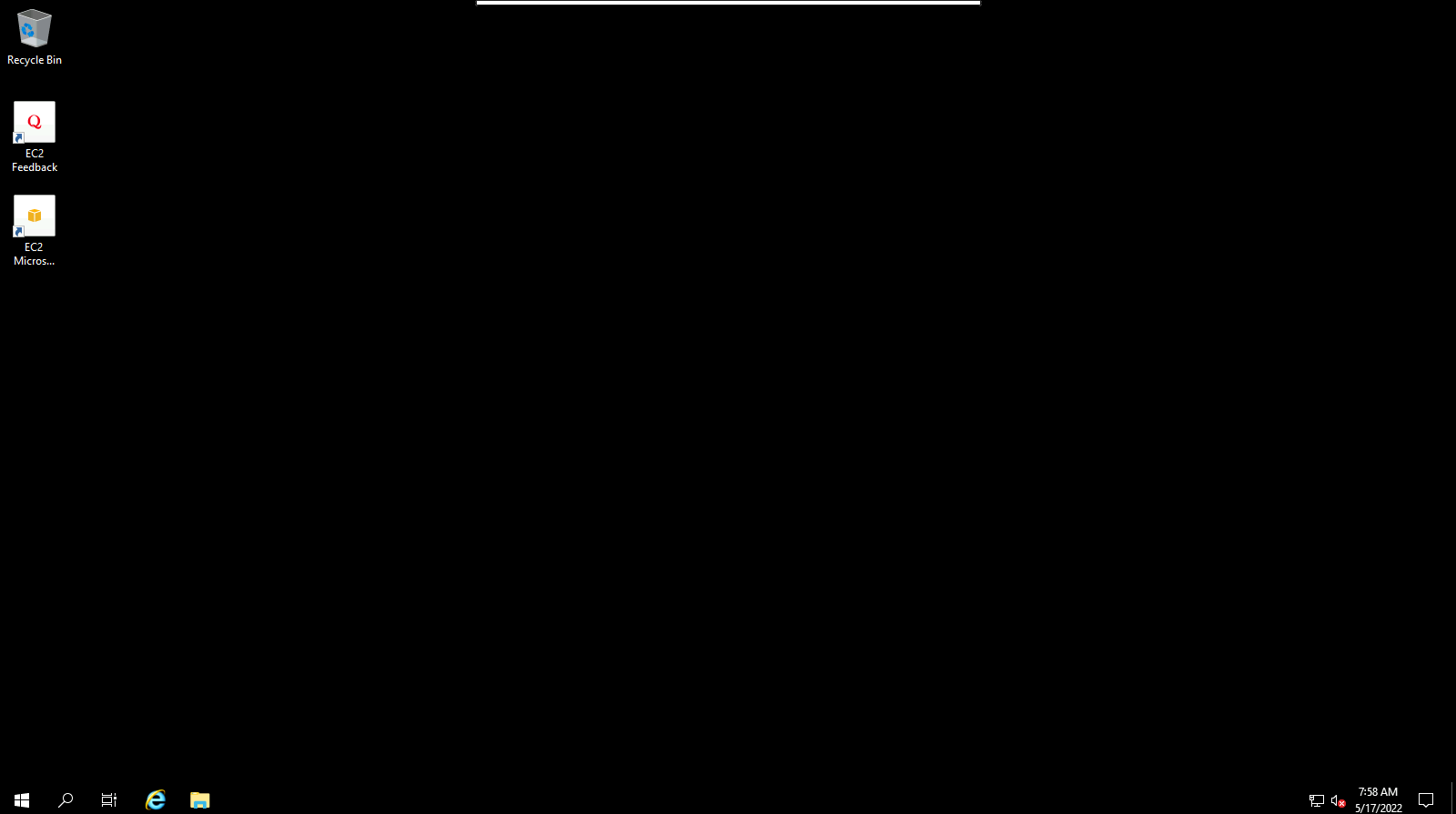
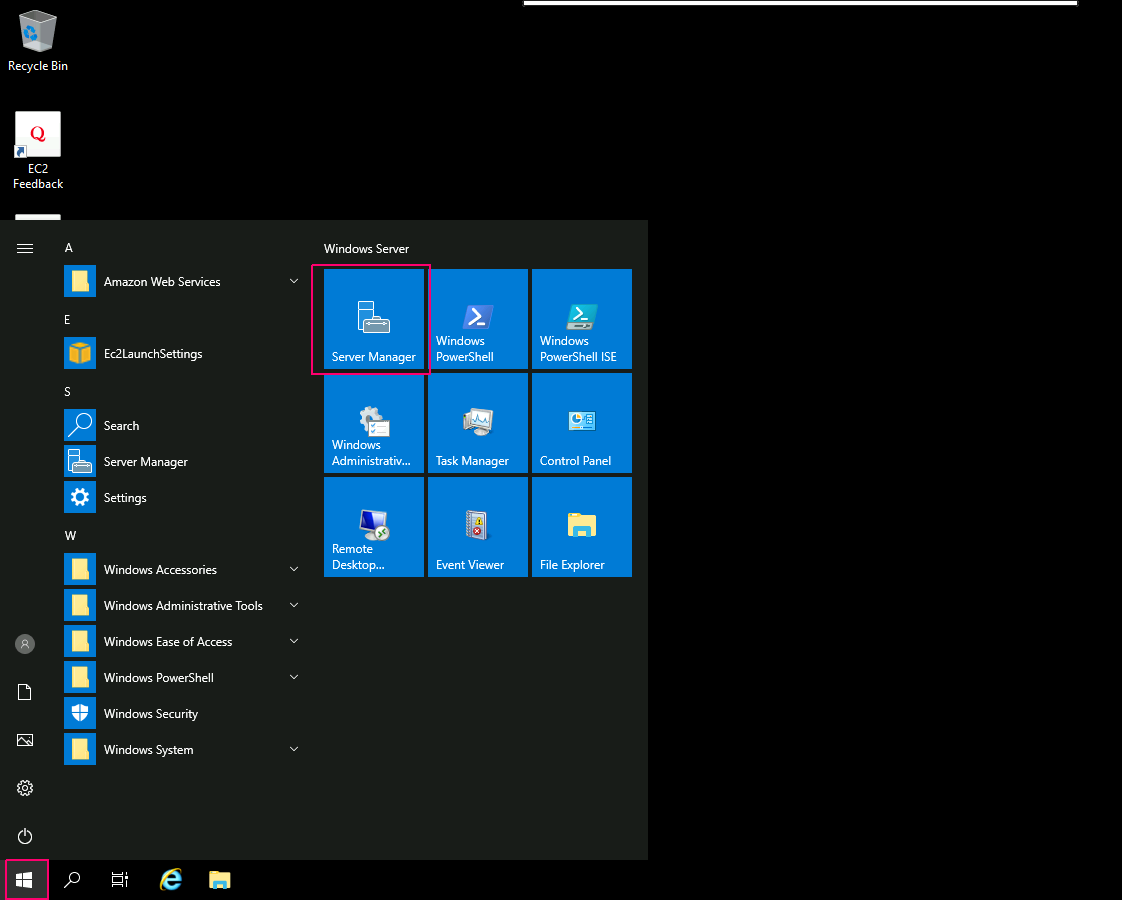
- Click on Start button.
- Click on Server Manager.
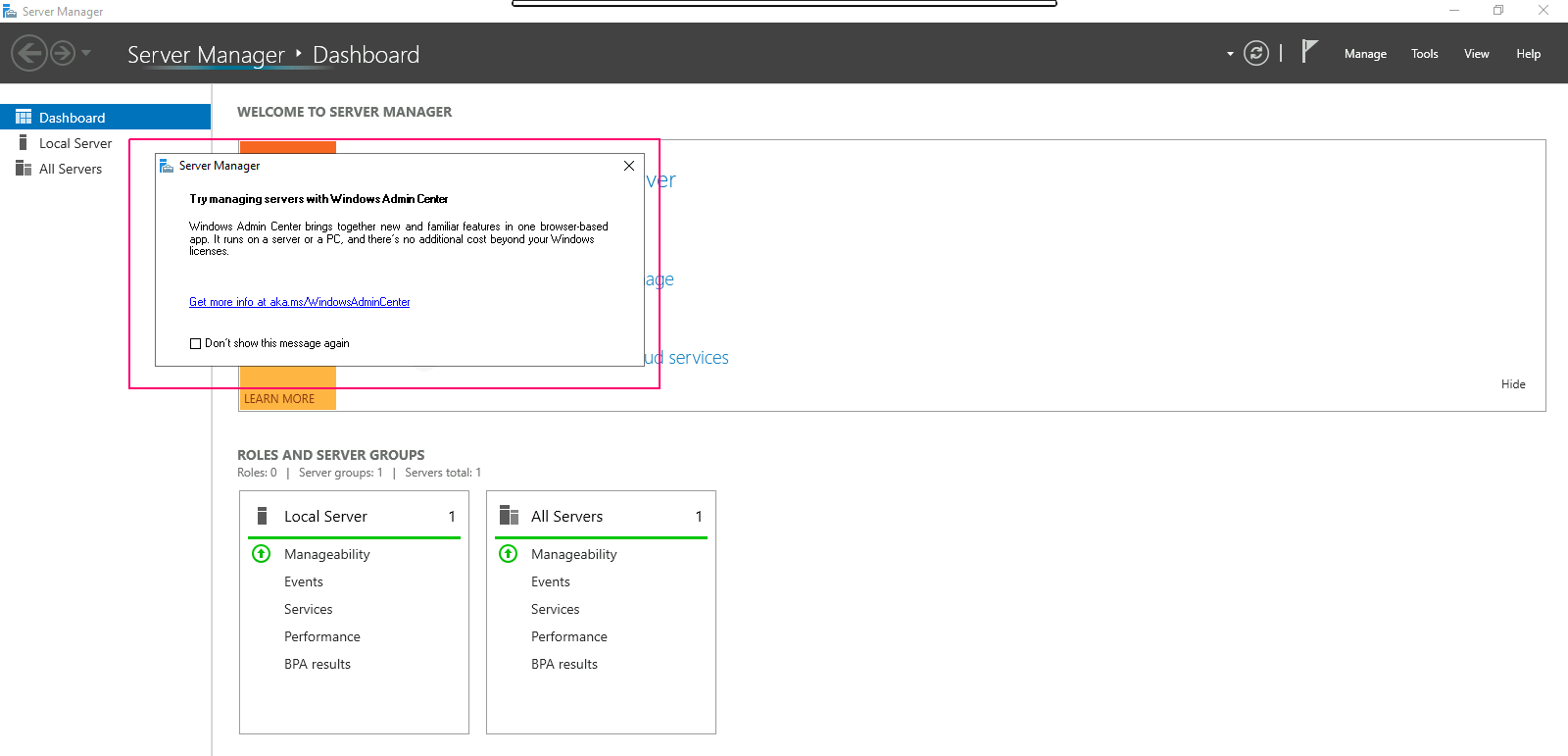
- Close the open wizard.
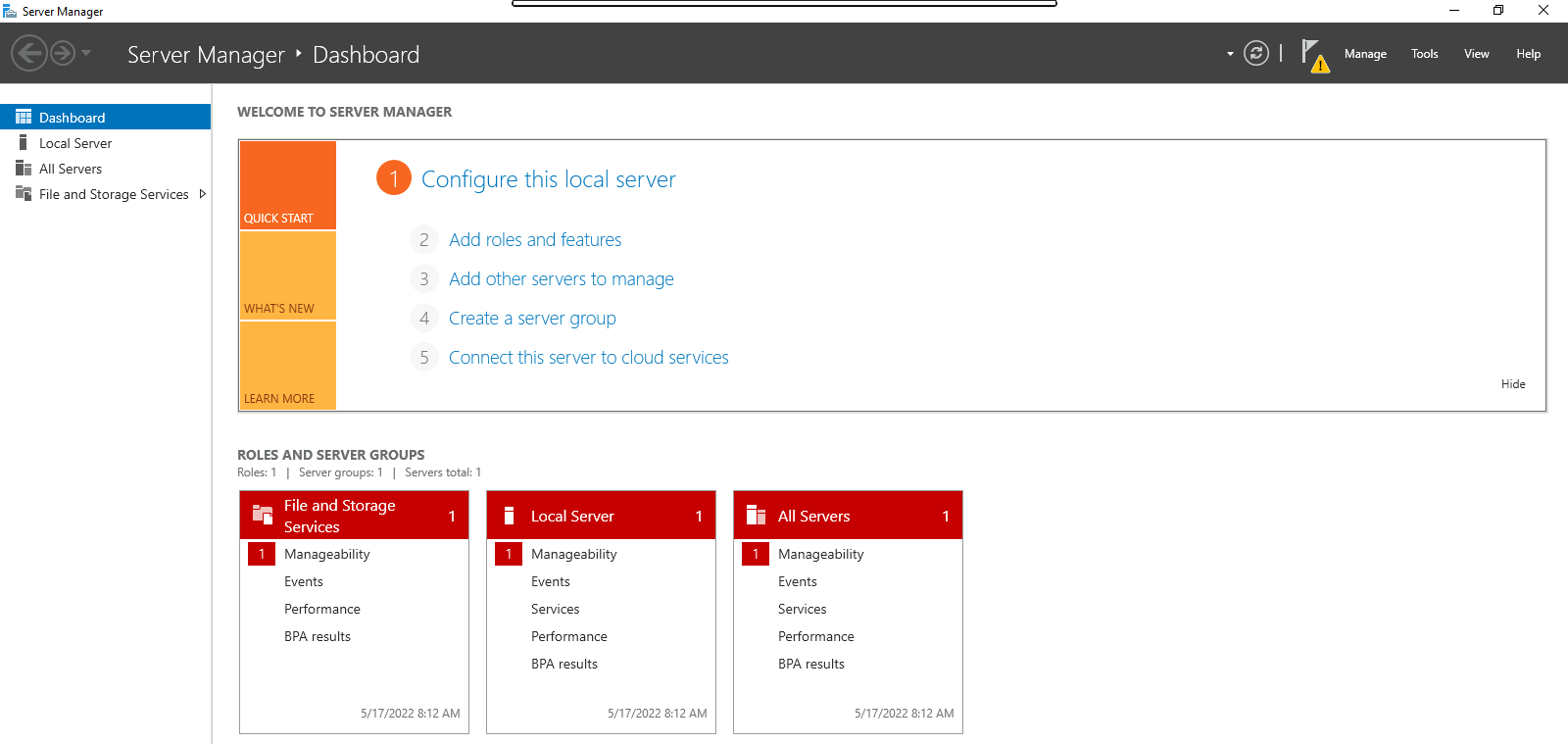
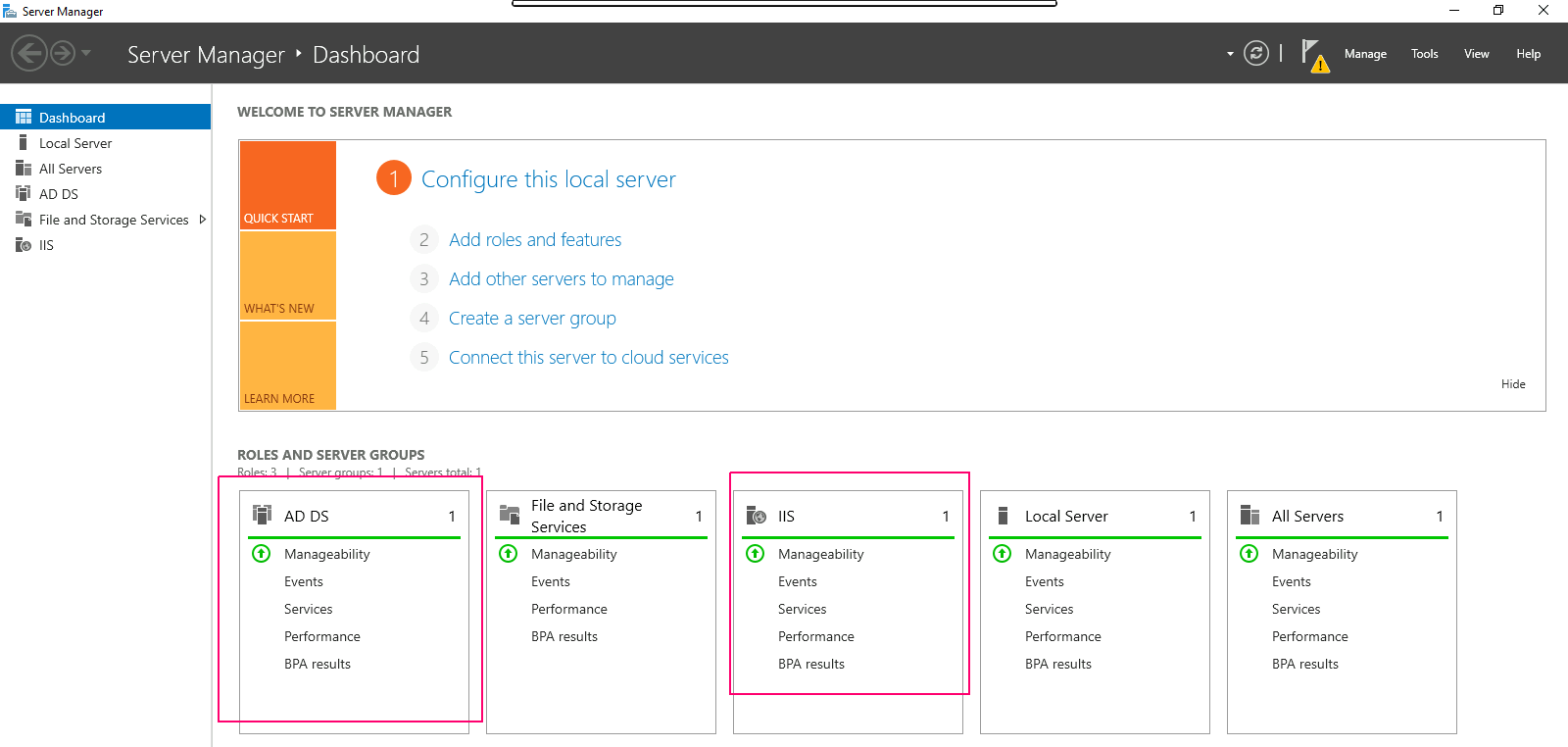
- In Server Manager wizard,here we can see all added roles & features.
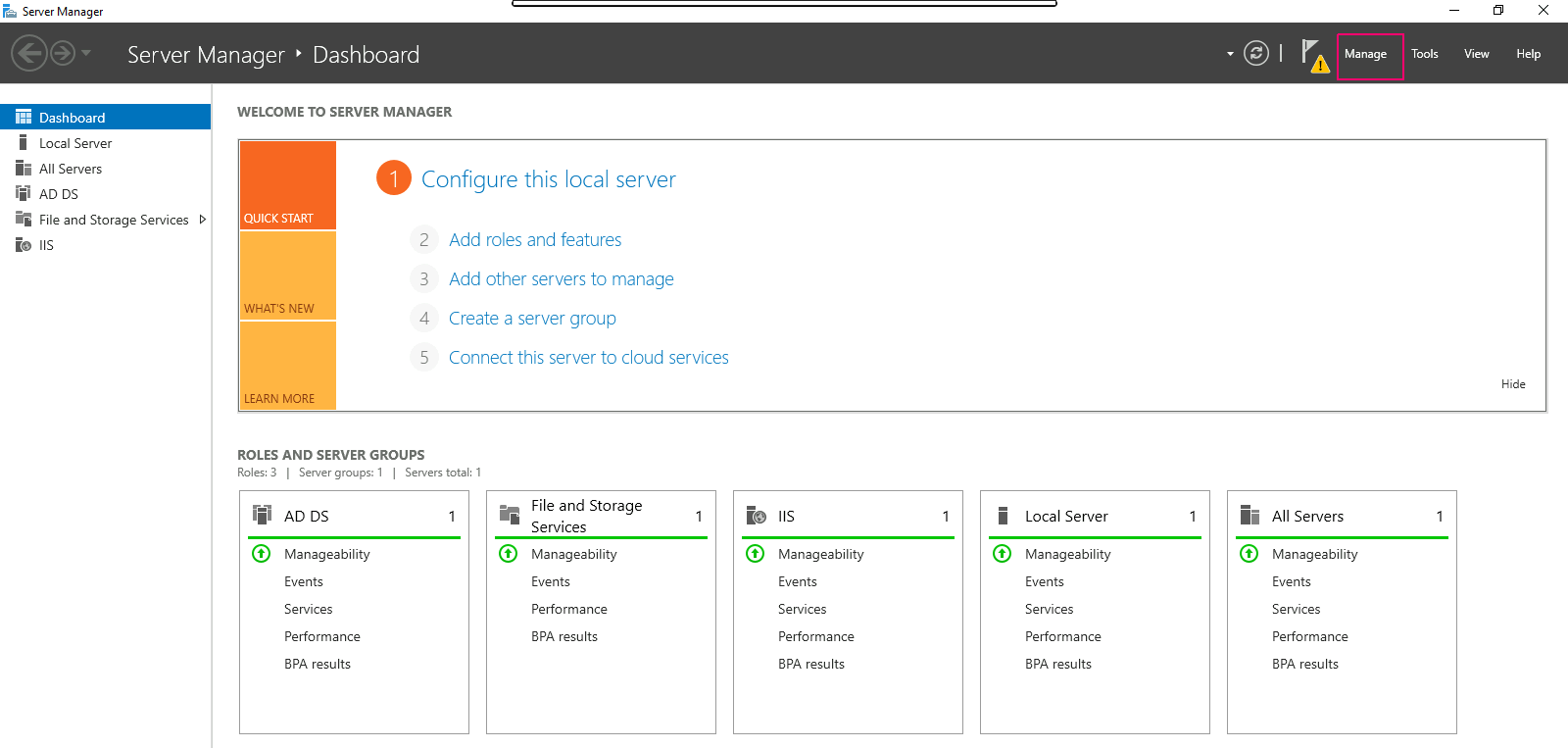
- In the upper right corner of wizard, Click on Manage option.
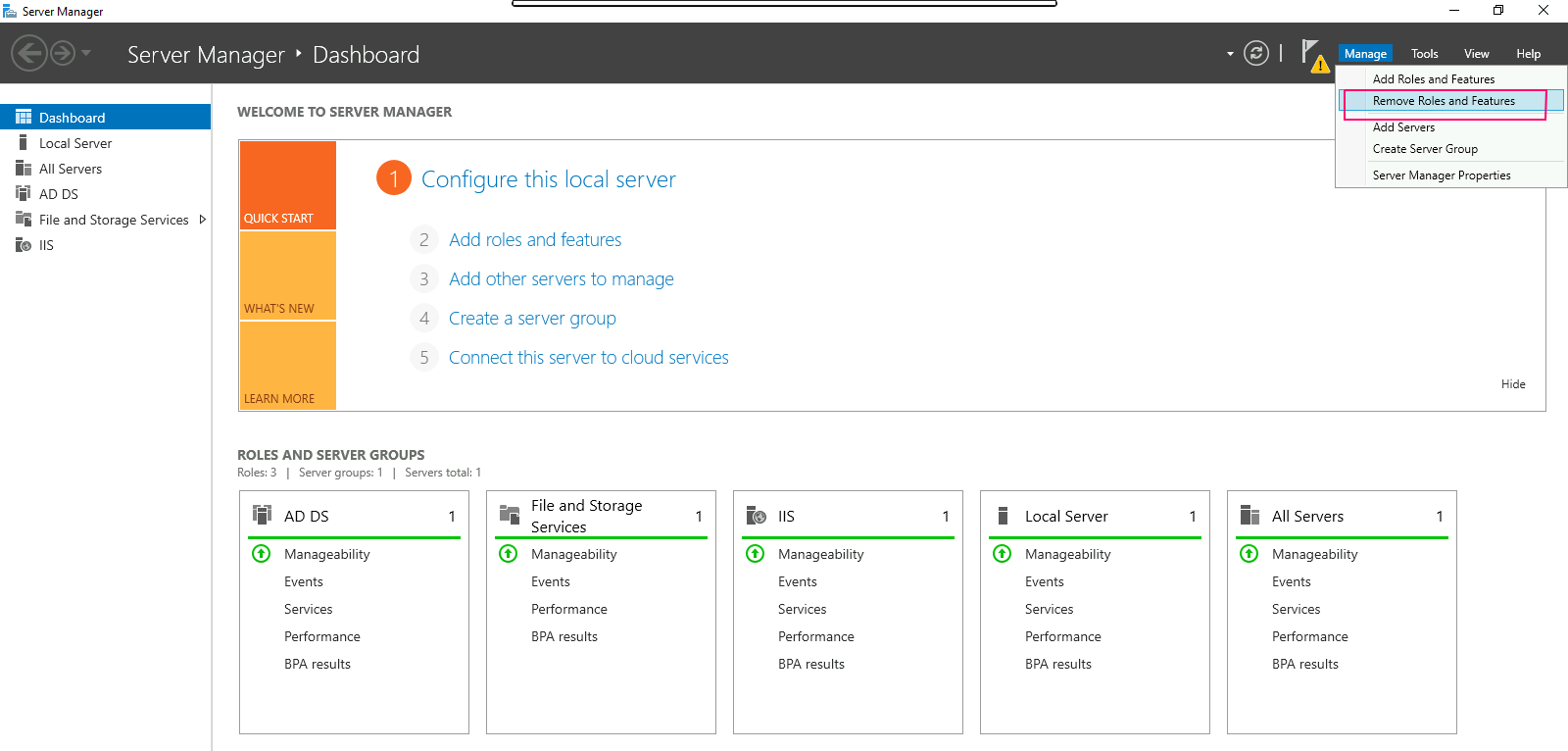
- Click on Remove Roles & Features option.
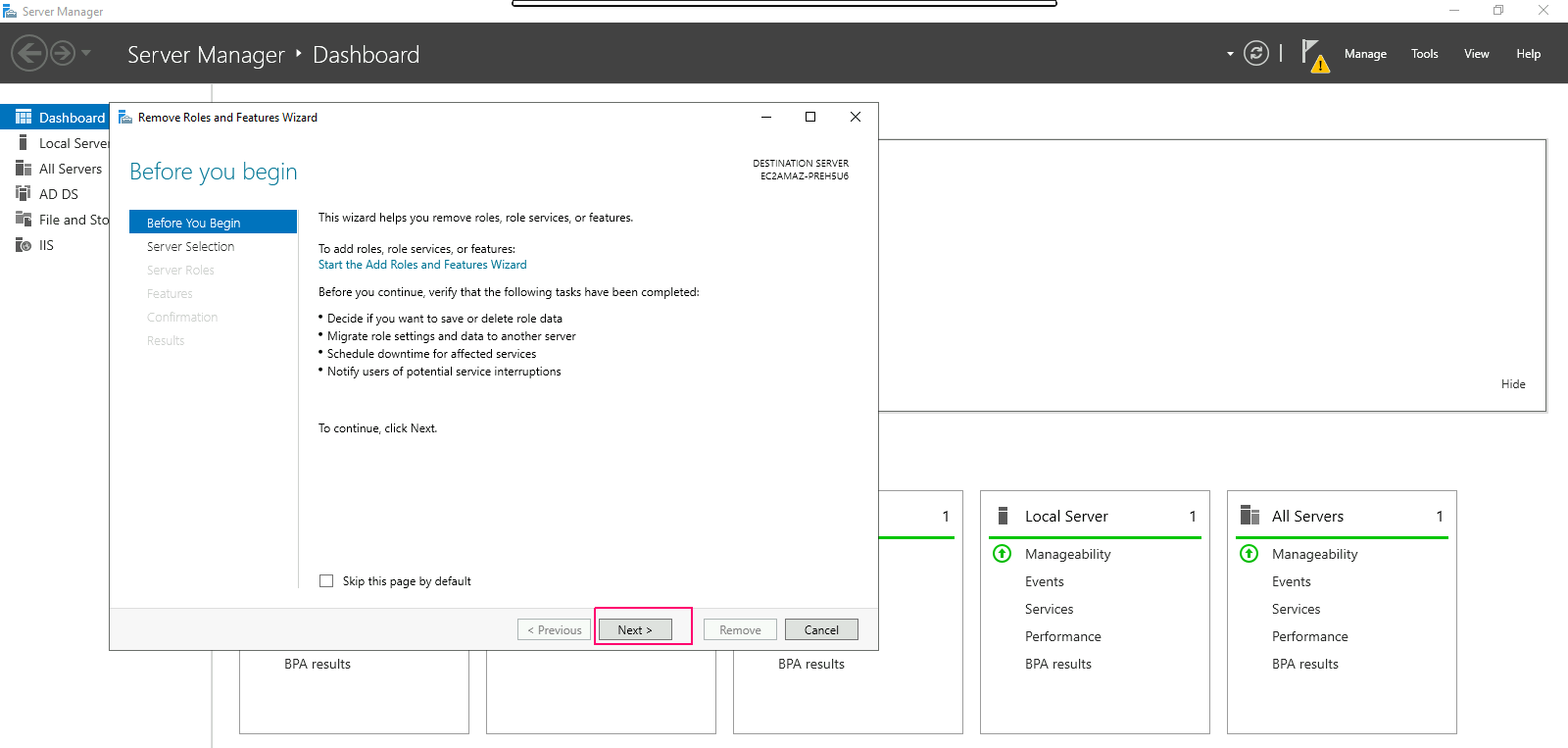
- In Before you Begin page open,this wizard helps you remove roles,features & role services.
- Click on Next.
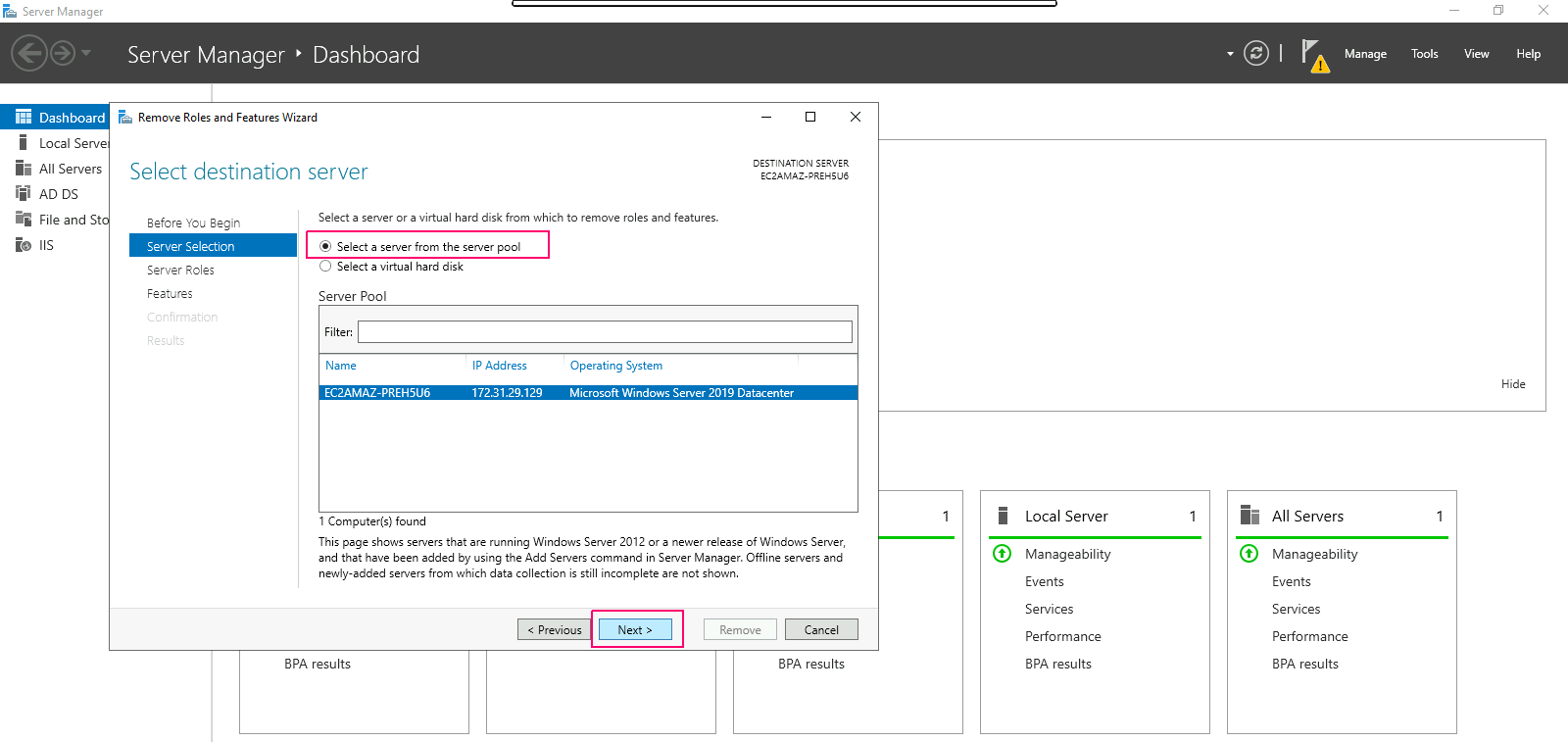
- In Server Selection page,select “select a server from the server pool”. Click on Next.
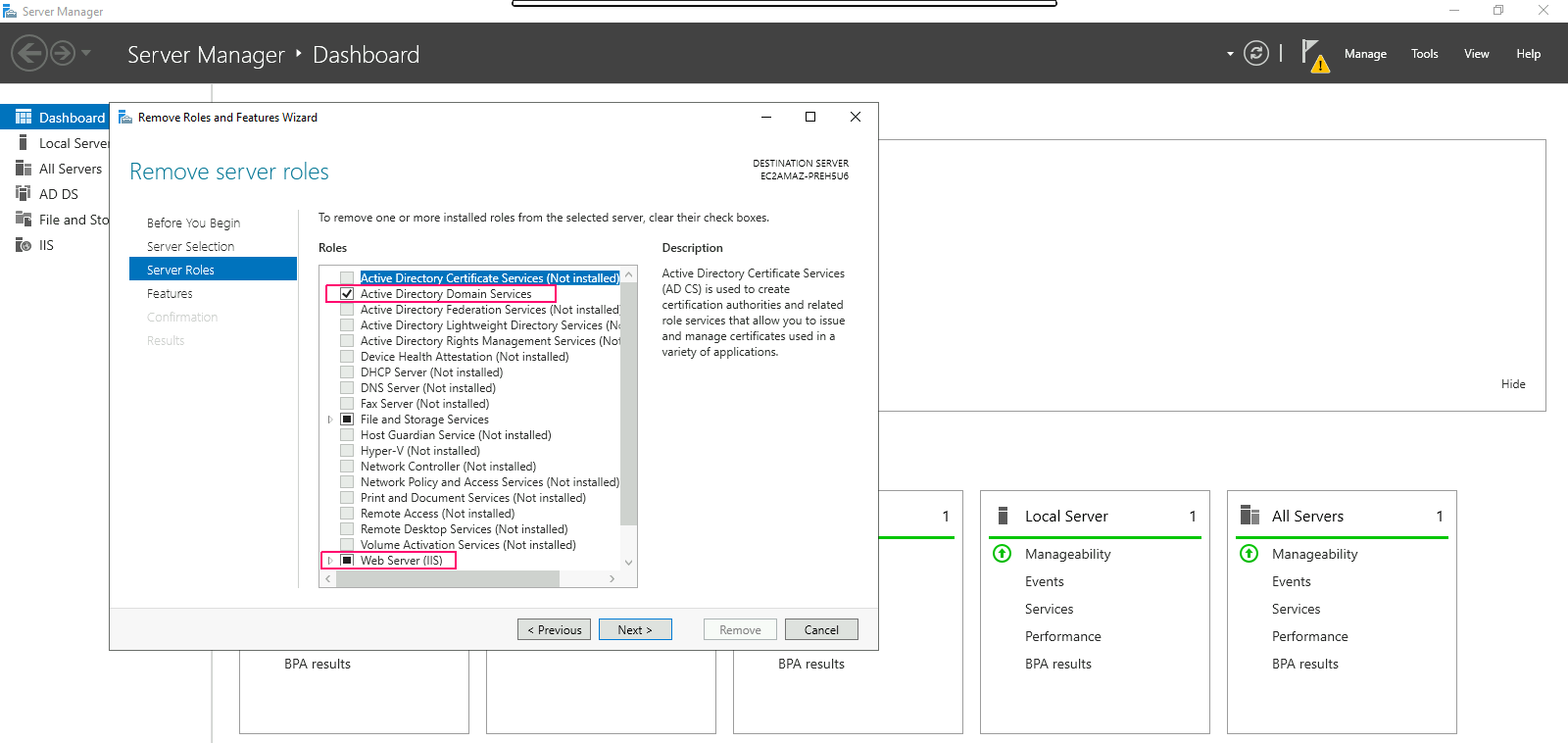
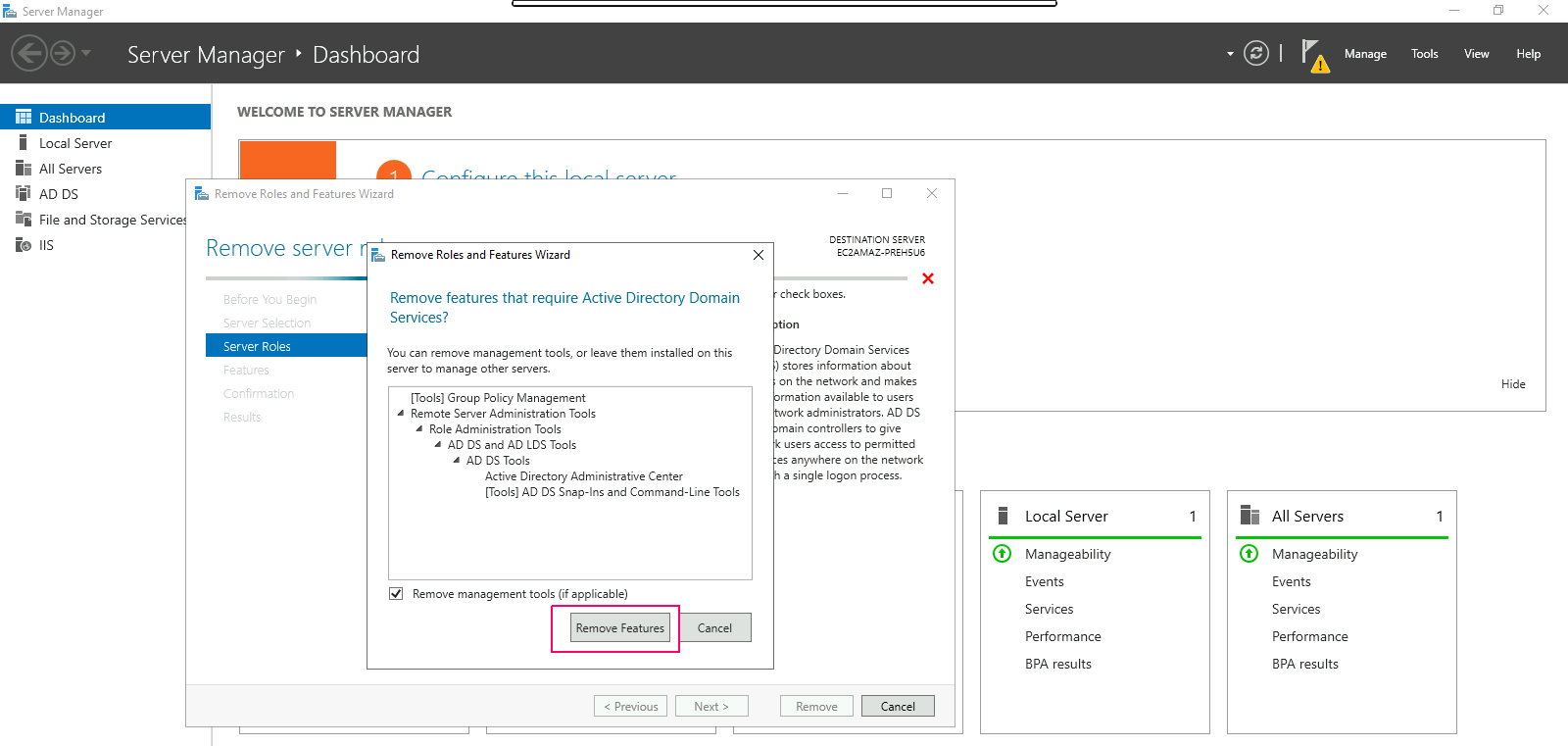
- In Server Roles page,remove the Tick from the installed roles then click on remove features.
- Click on Next.
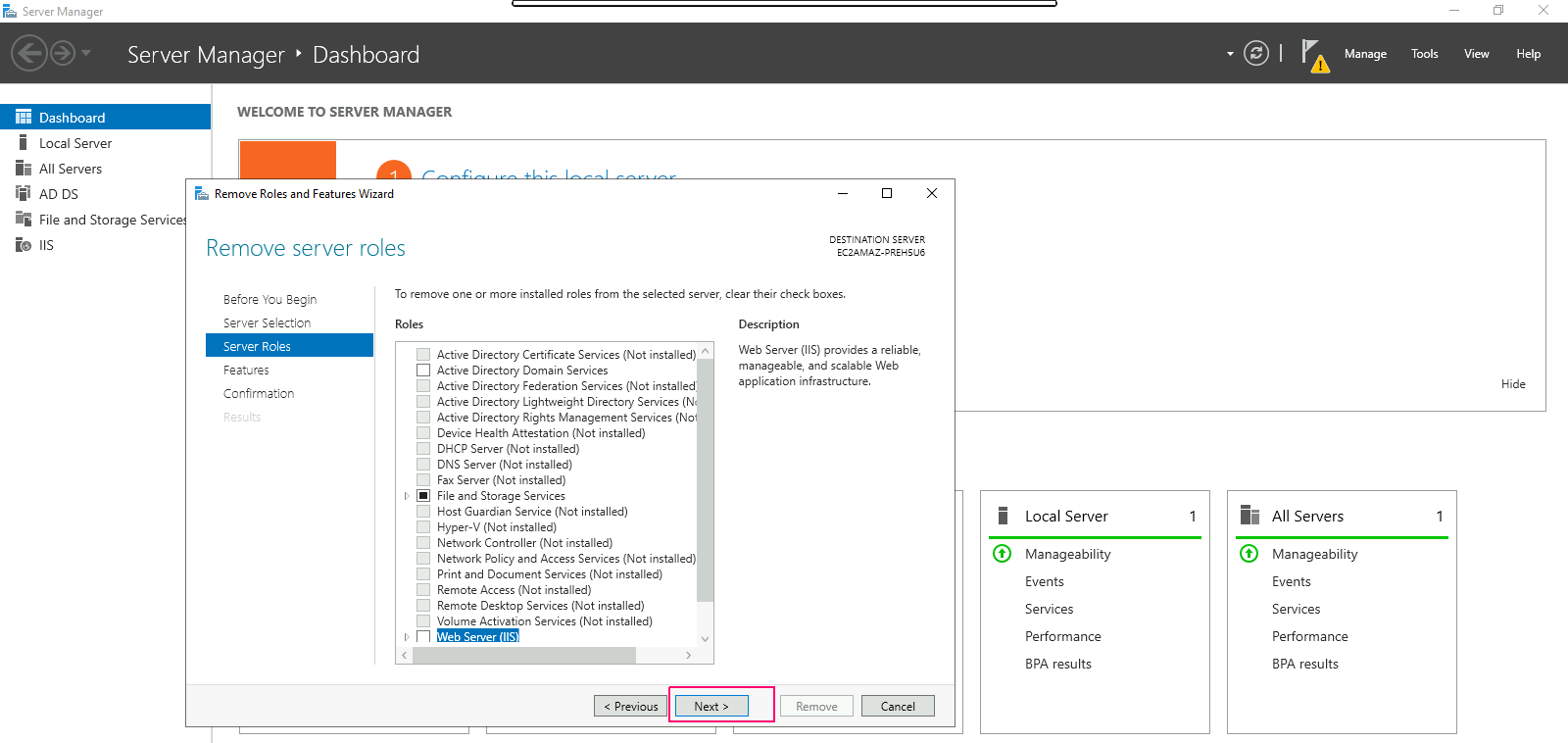
- In Features pages,remove the added features then click on Next.
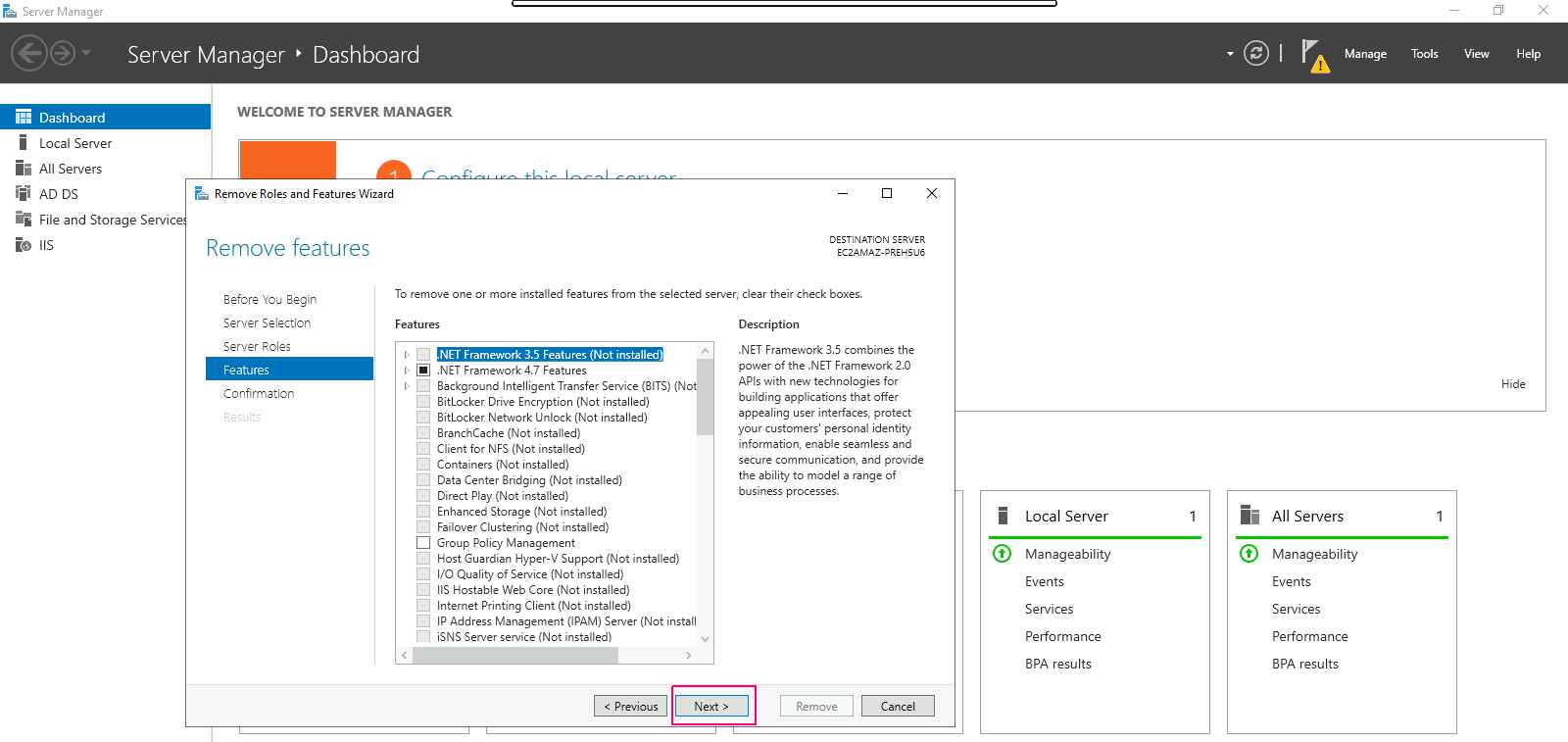
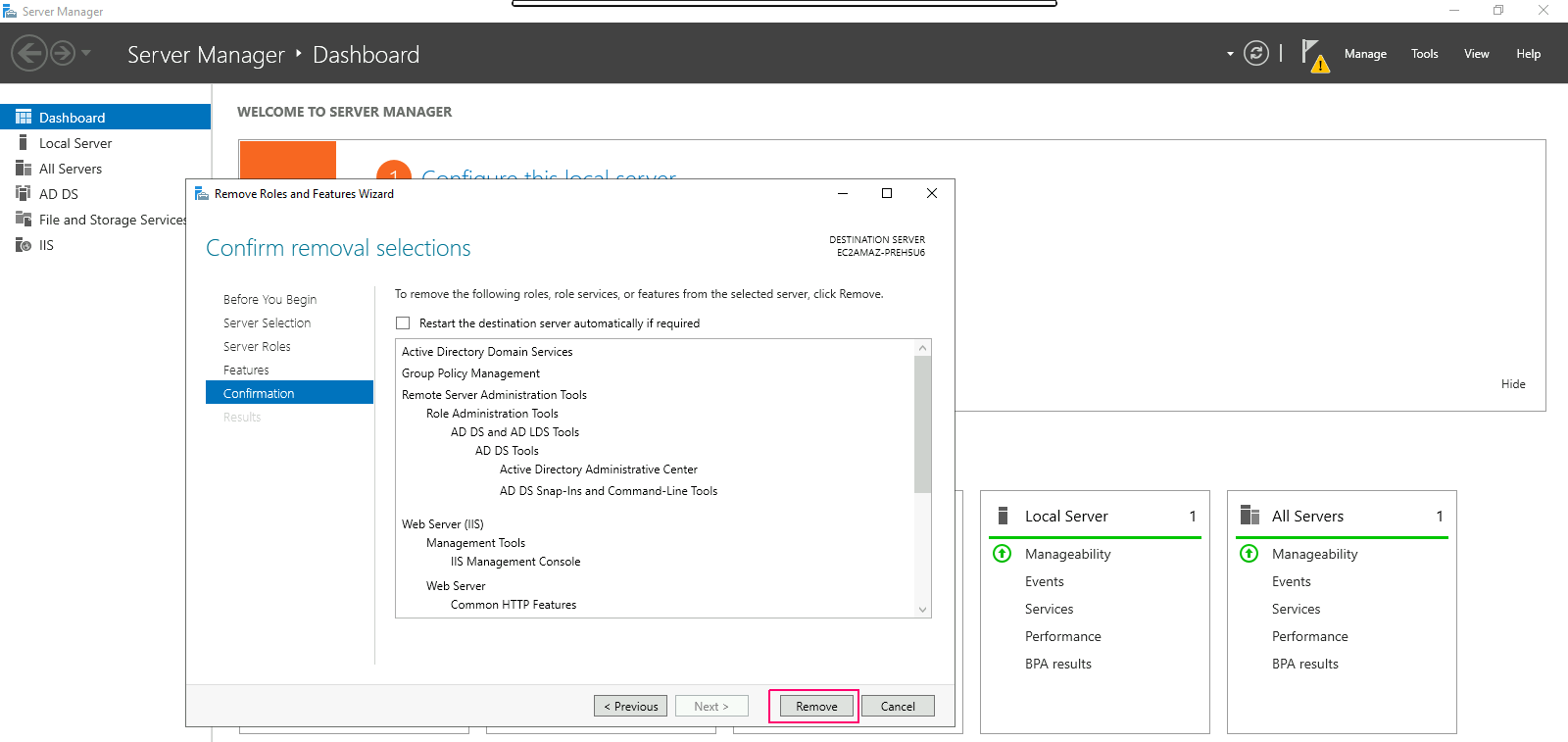
- On Confirmation page,review the remove roles & features then click on Remove.
- After this, removal progress page displays removal progress & results.
- Click on Close.
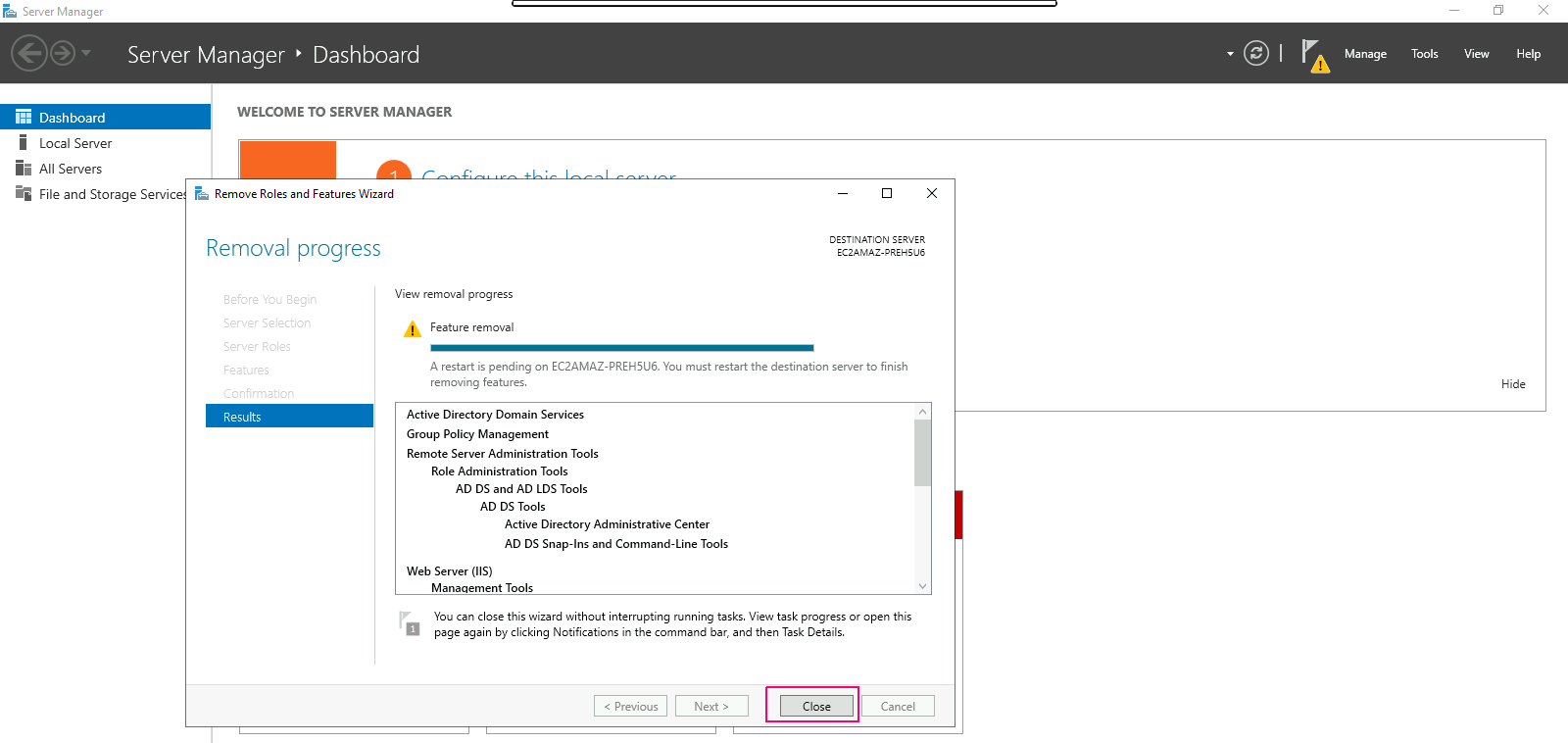
- We can see all the added roles & features are removed.