 Priya
Priya- March 1, 2022
Steps to Create/Add User & Assign Role/Permission to User in Jenkins
Jenkins is a free & open source automation server. It is used for continuous integration/continuous delivery and deployment (CI/CD) automation software, written in the Java programming language. It is used to implement CI/CD workflows, called pipelines.
Here, we are creating a user & assign a role or permission to created user in Jenkins. Using Manage & Assign roles, we can provide a limited access to created user.
There are some steps to create user & assign permission to user in Jenkins:
Install Jenkins on Ubuntu
- Update the System.
apt-get update
- Next,Install Jenkins on system so click on link https://www.hackerxone.com/2021/07/11/how-setup-jenkins-ubuntu-2004-lts/
- Once Jenkins is Installed on system,login to Jenkins server.
Create or Add a User in Jenkins Server
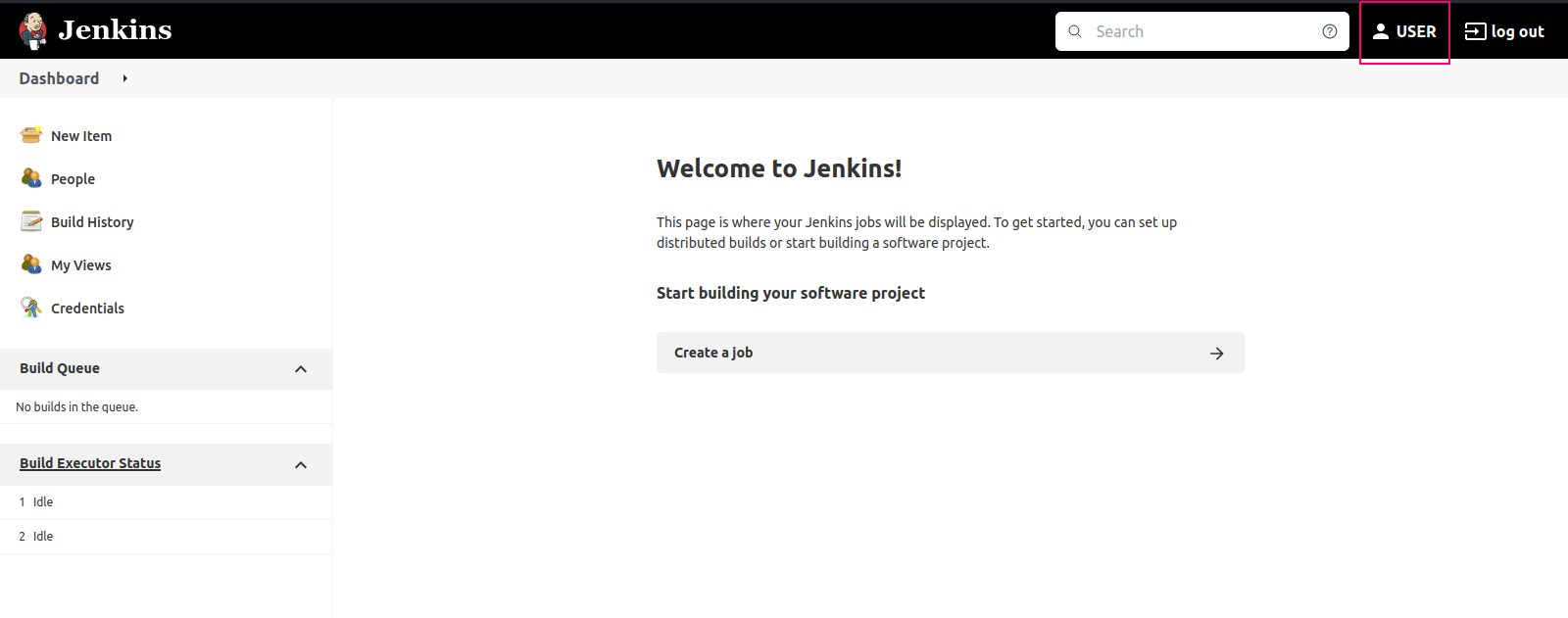
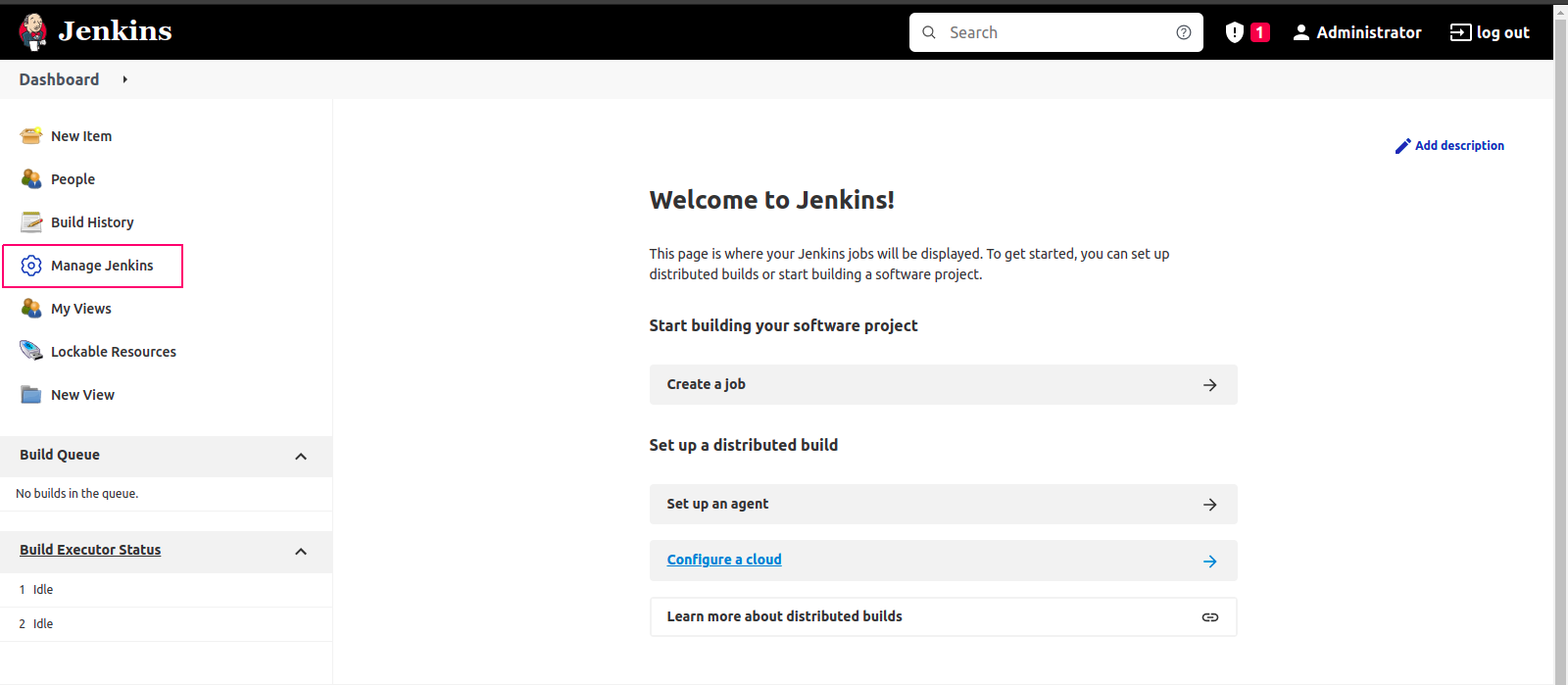
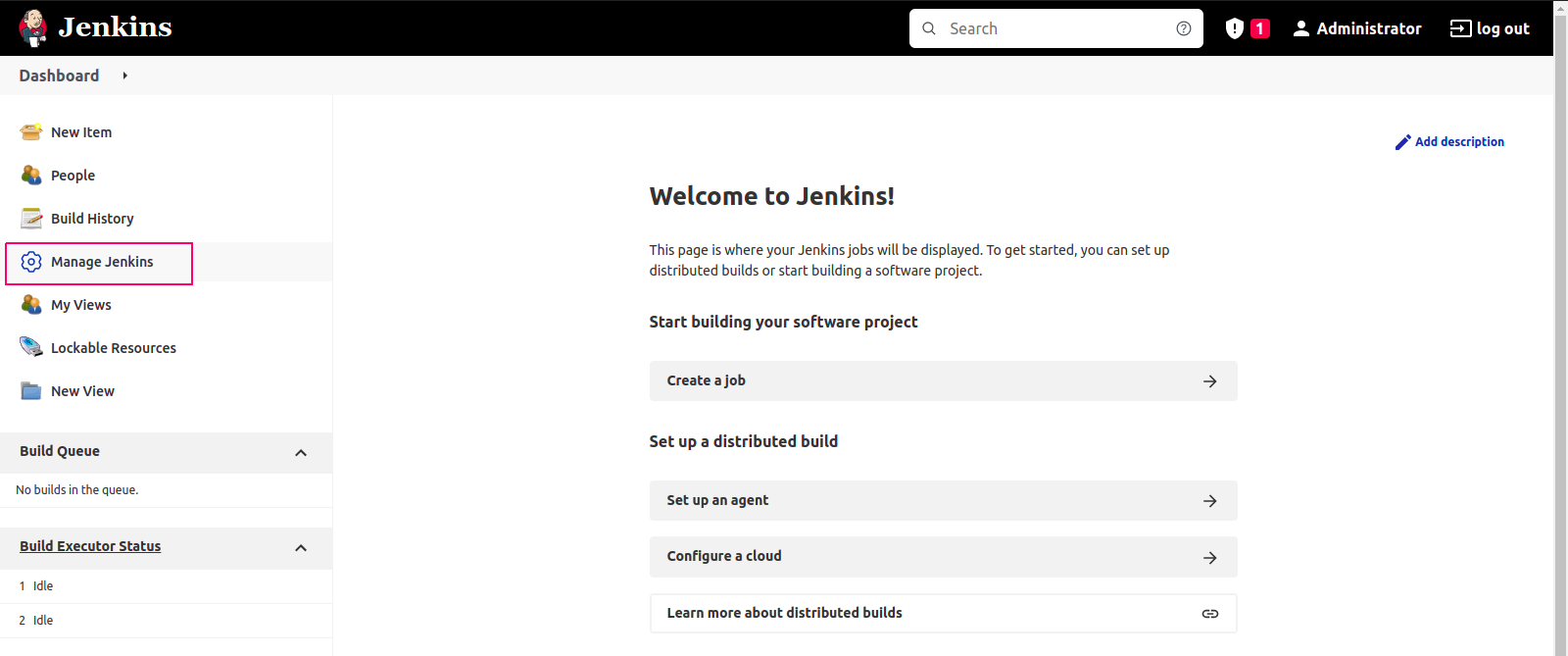
- On Jenkins Dashboard,Click on Manage Jenkins.
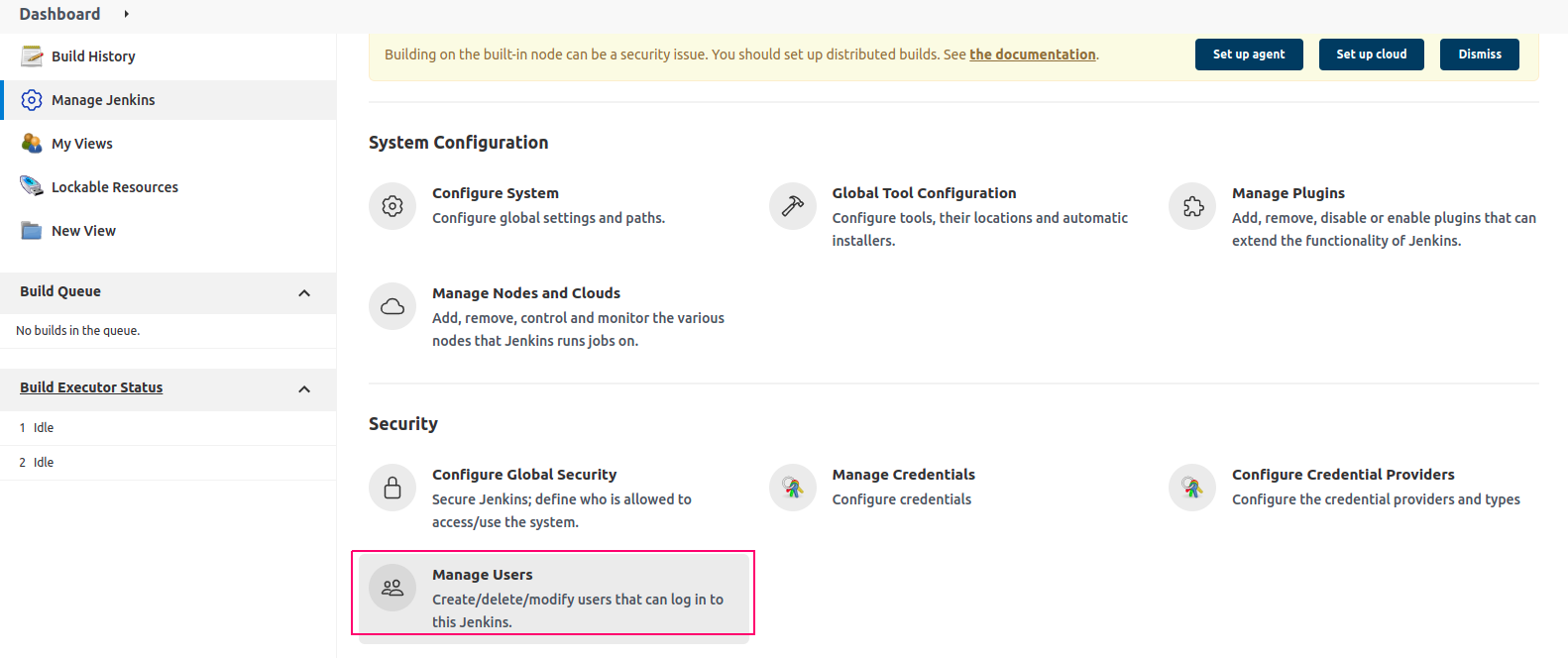
- Click on Manage Users.
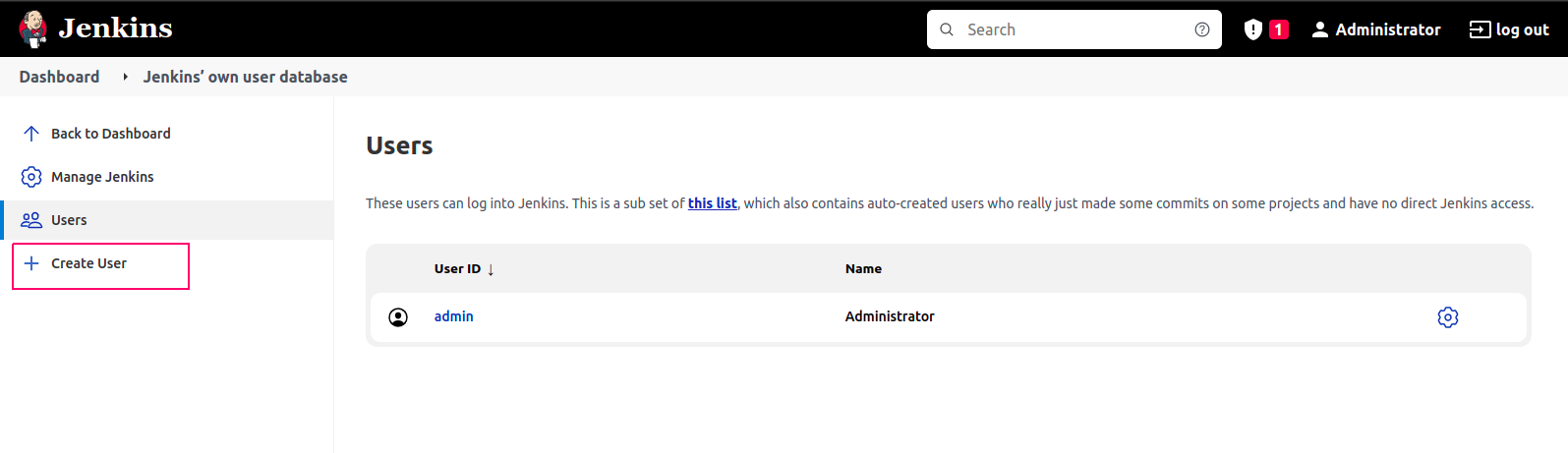
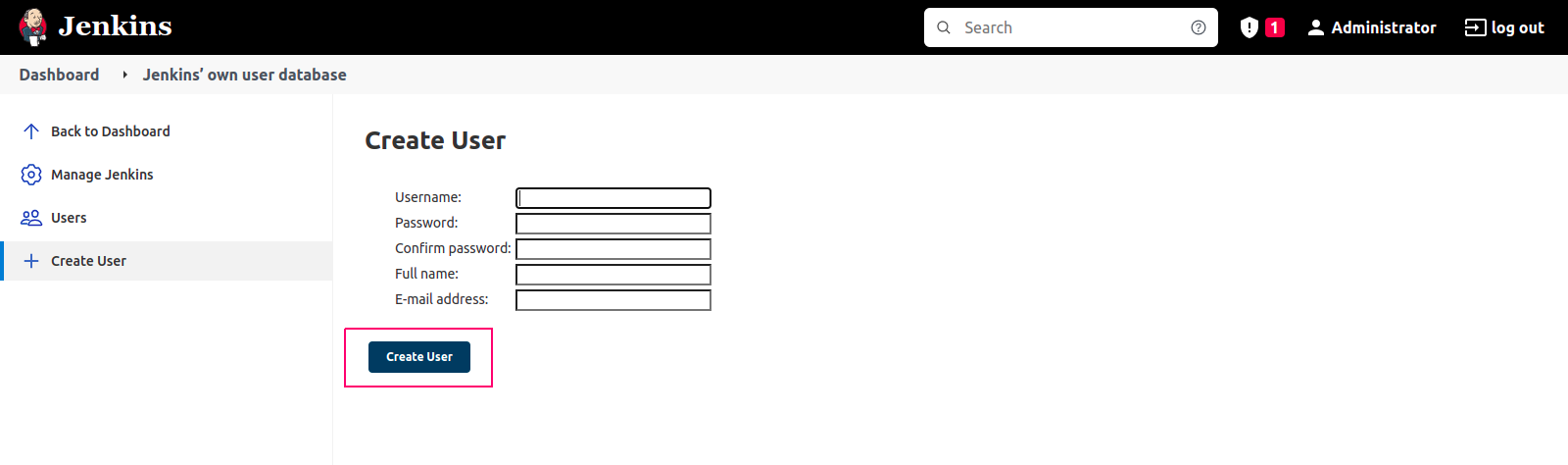
- Click on Create User.
- Provide the credentials such as user name,password,full name & email address.
- Click on create user.
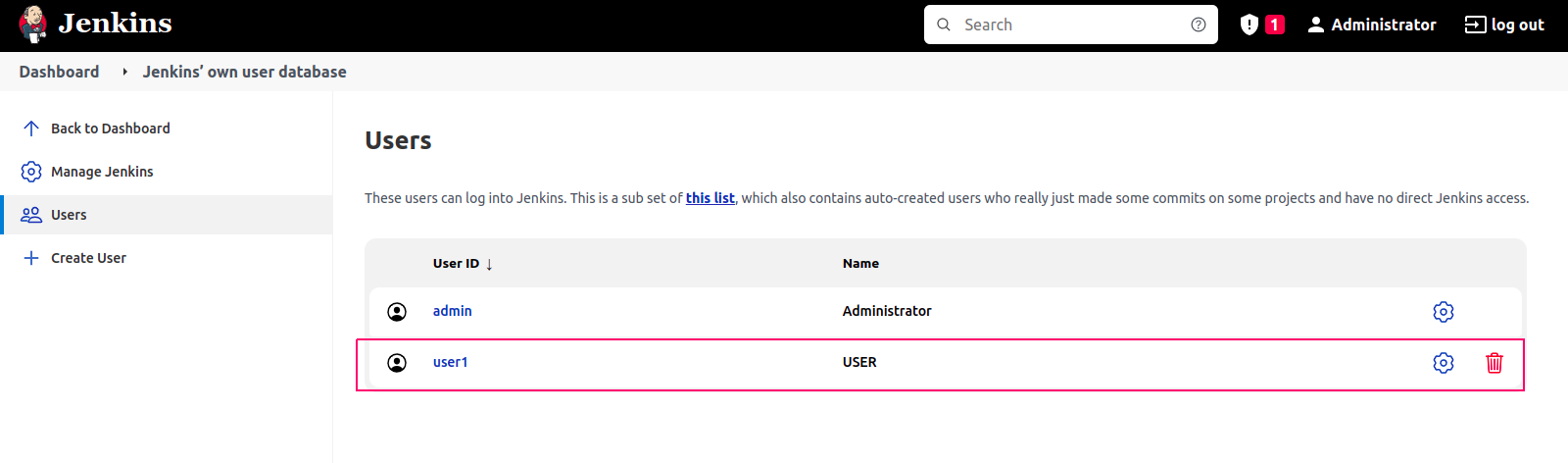
- User is successfully created.
Install Role Strategy Plugin in Jenkins
- Go to Manage Jenkins.
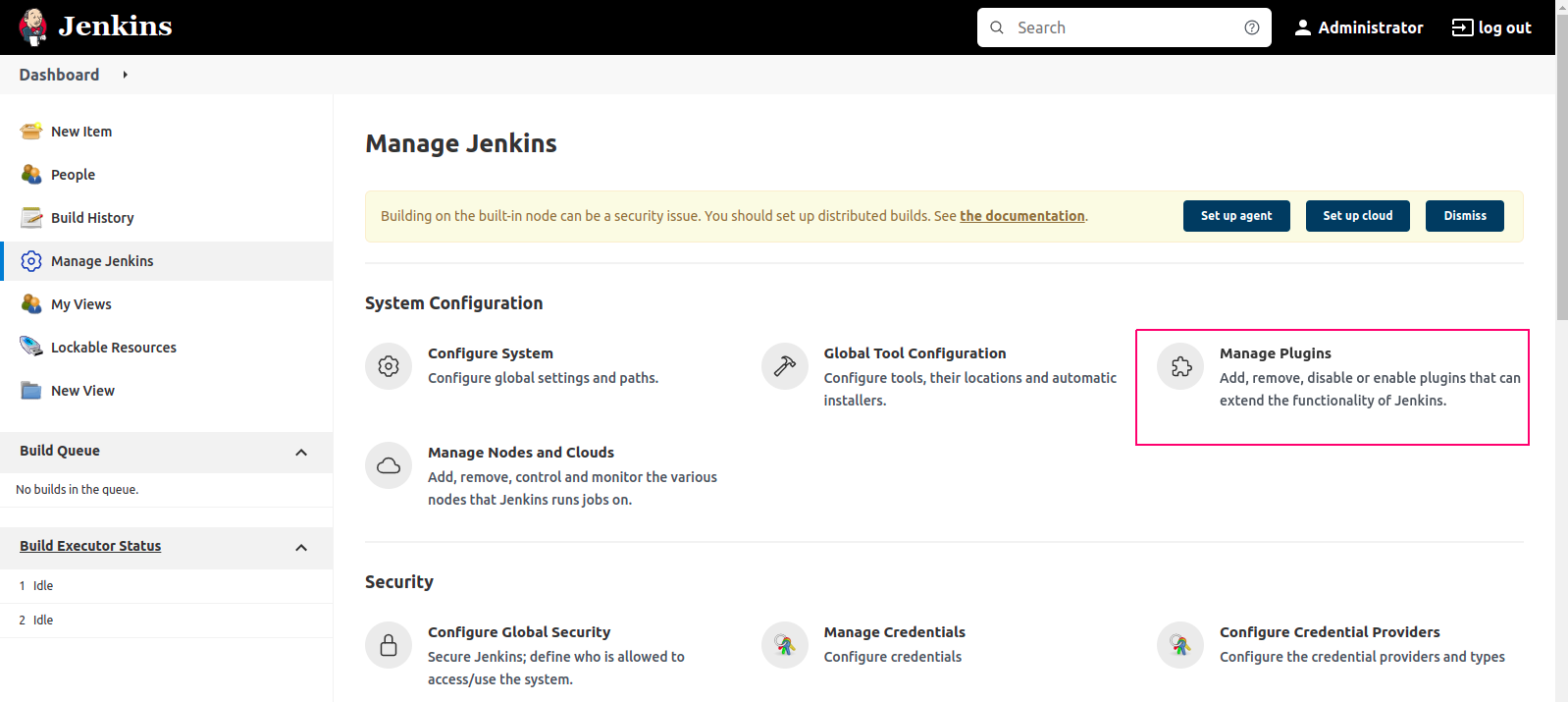
- Click on Manage Plugins.
- At Plugins Manager,Click on Available.
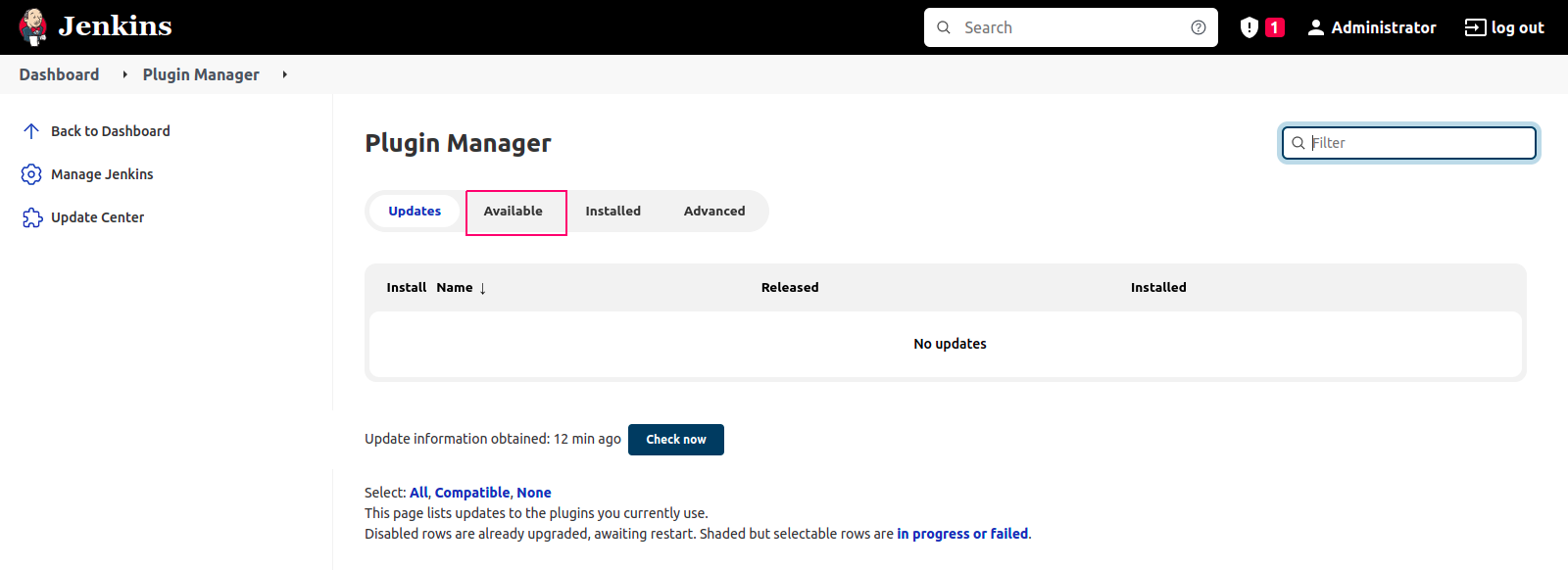
- Search Role & Select Role-Based Authorization Strategy.
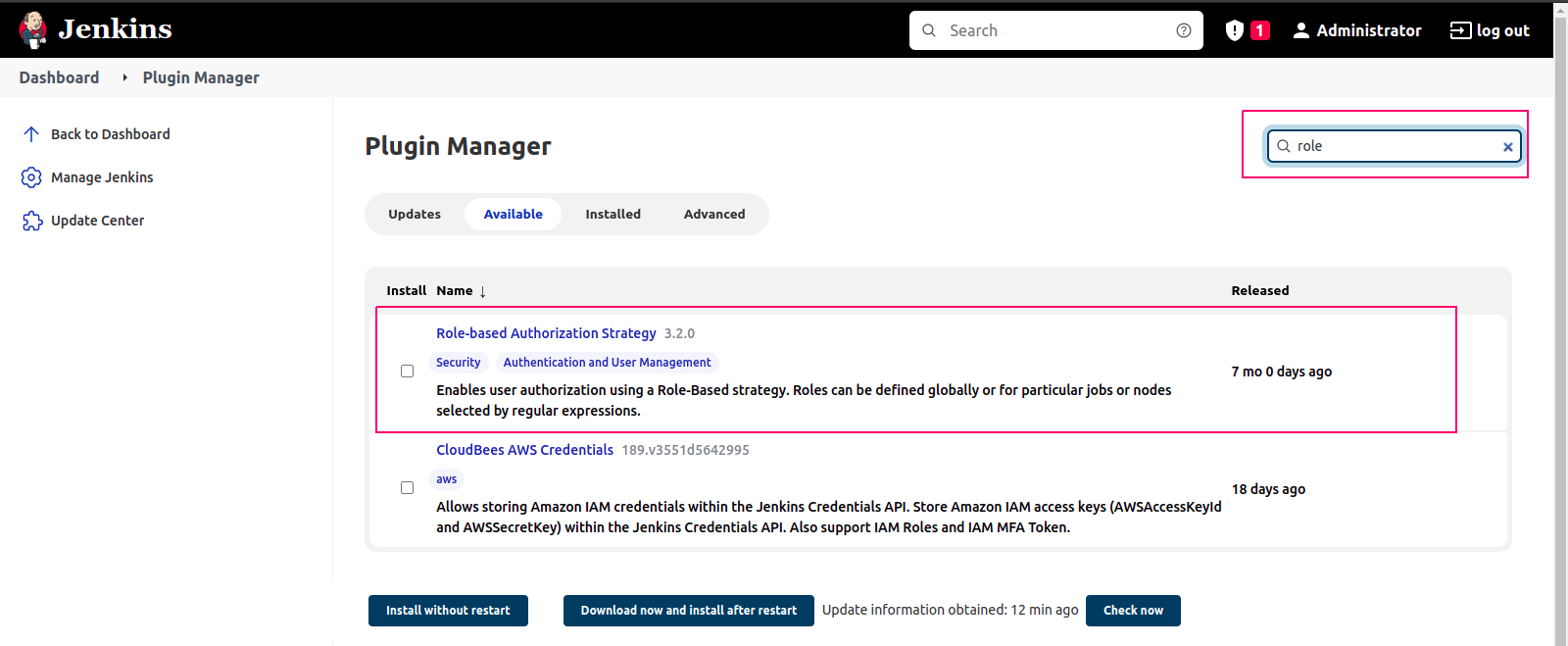
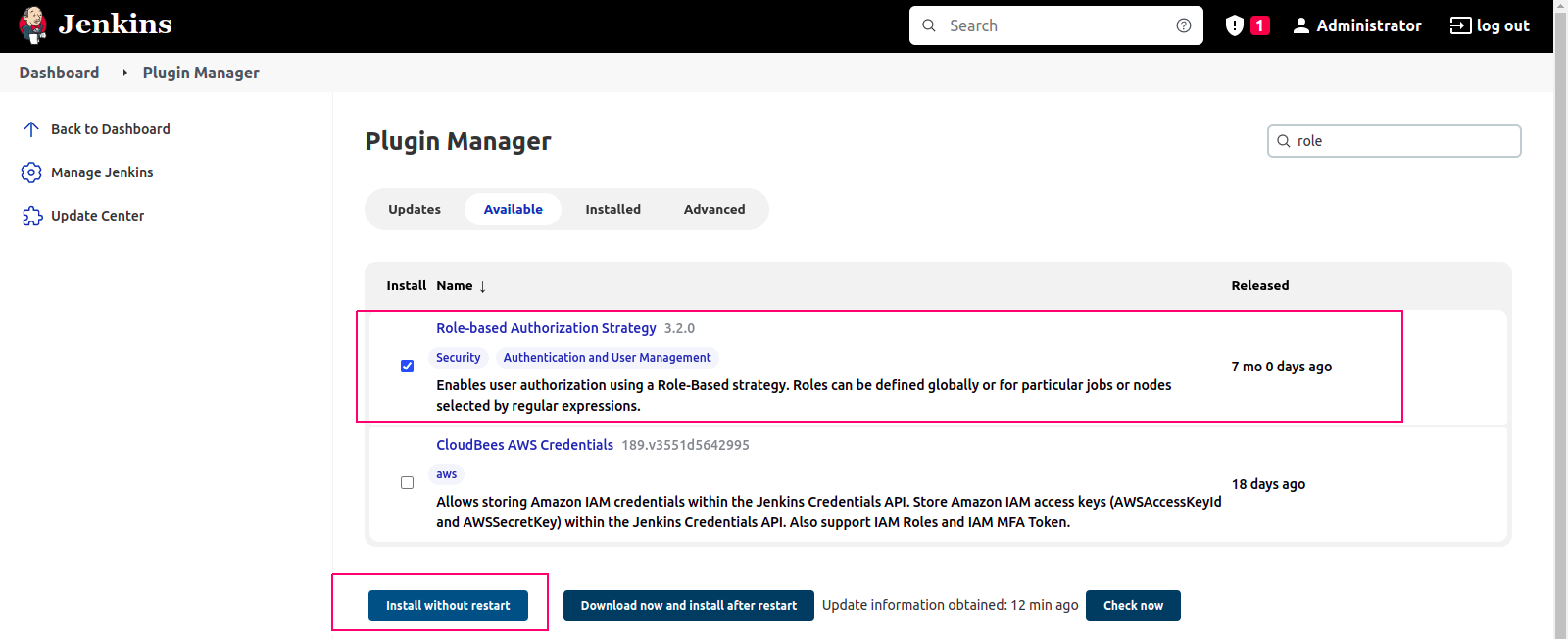
- Click on Install without Restart.
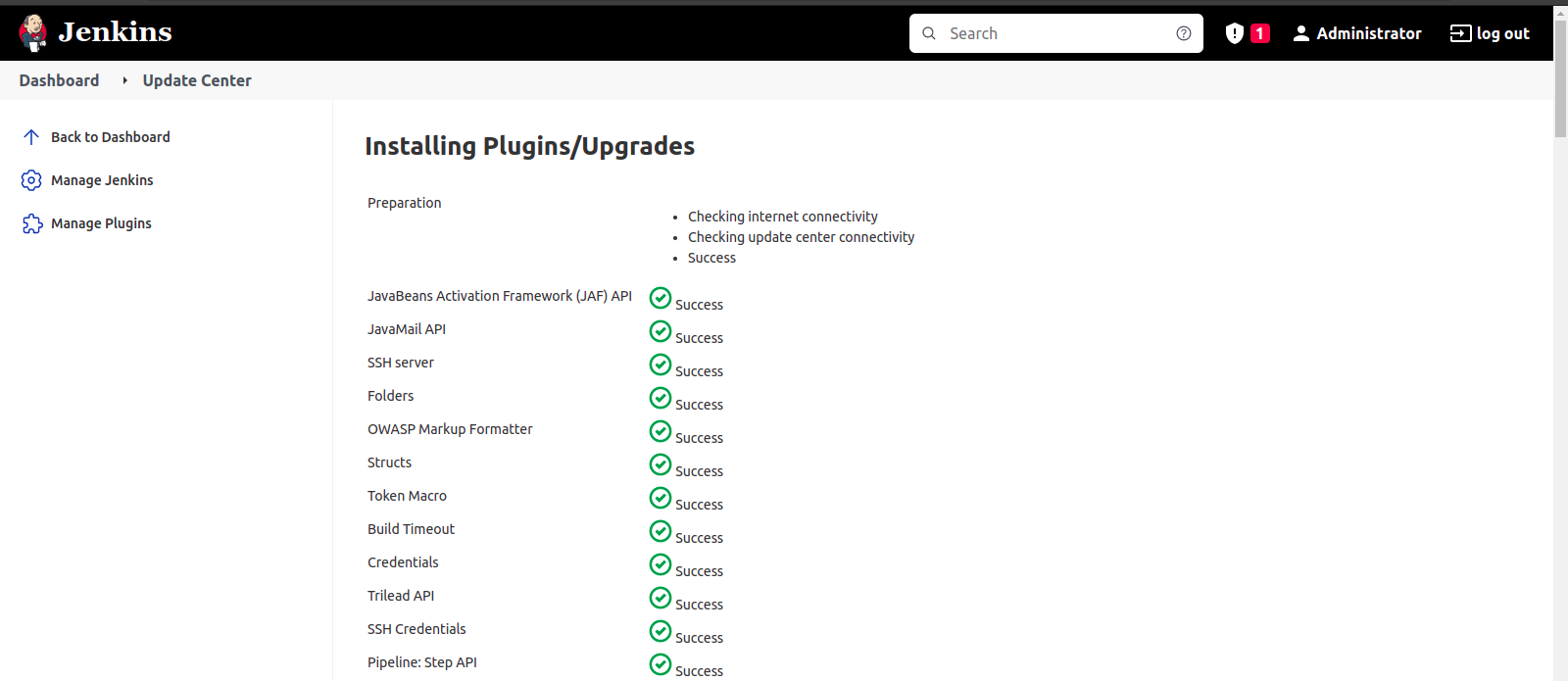
- Plugins is successfully Installed.
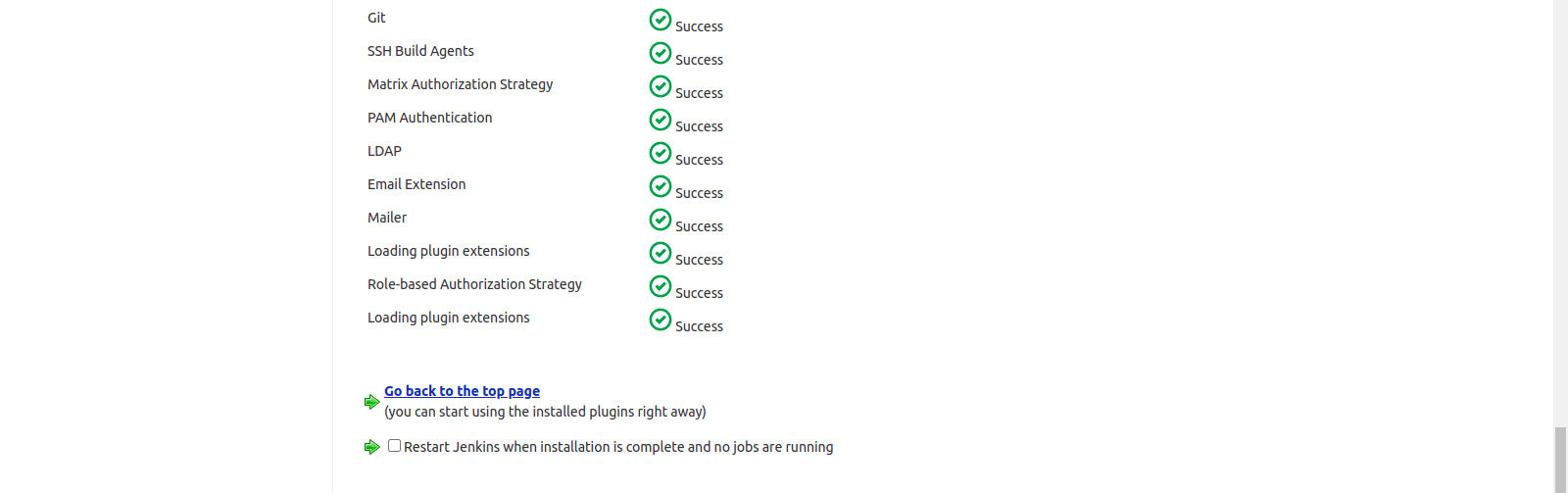
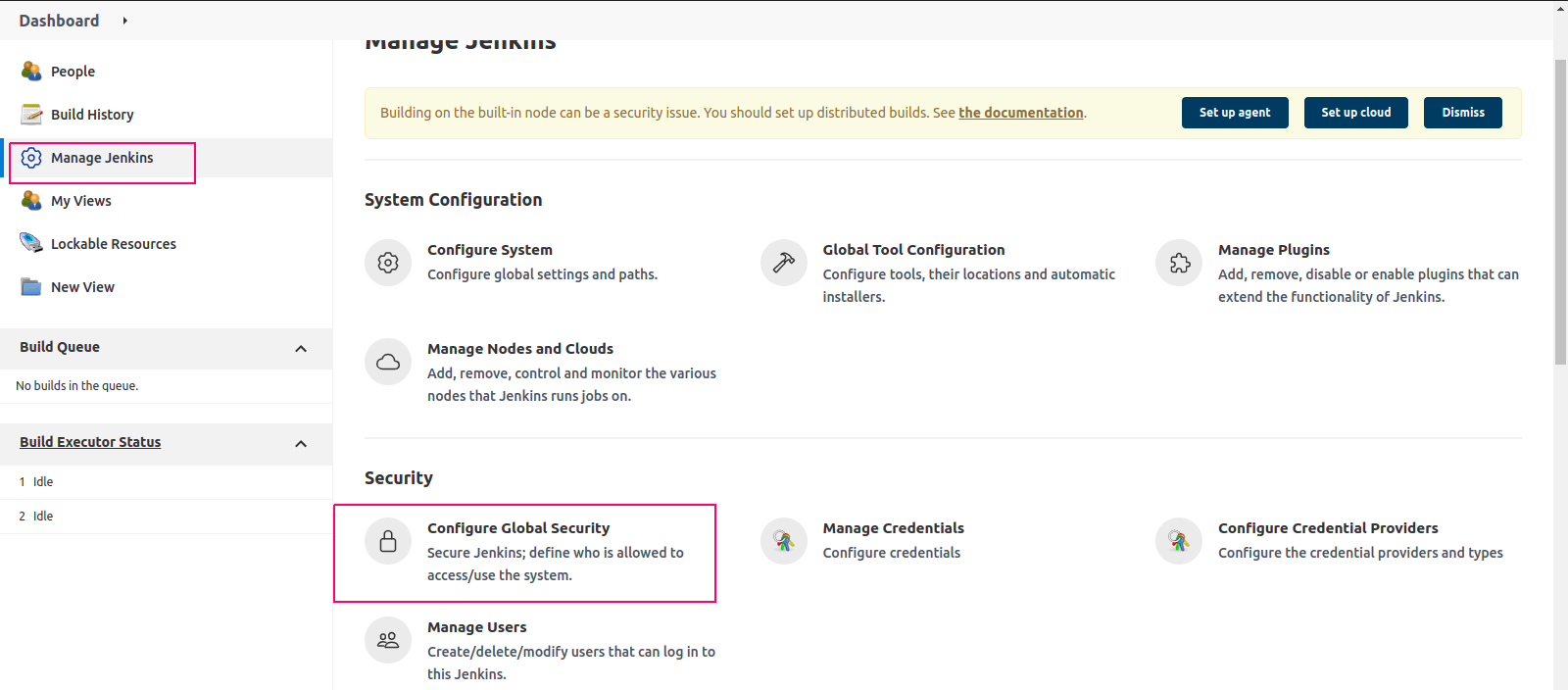
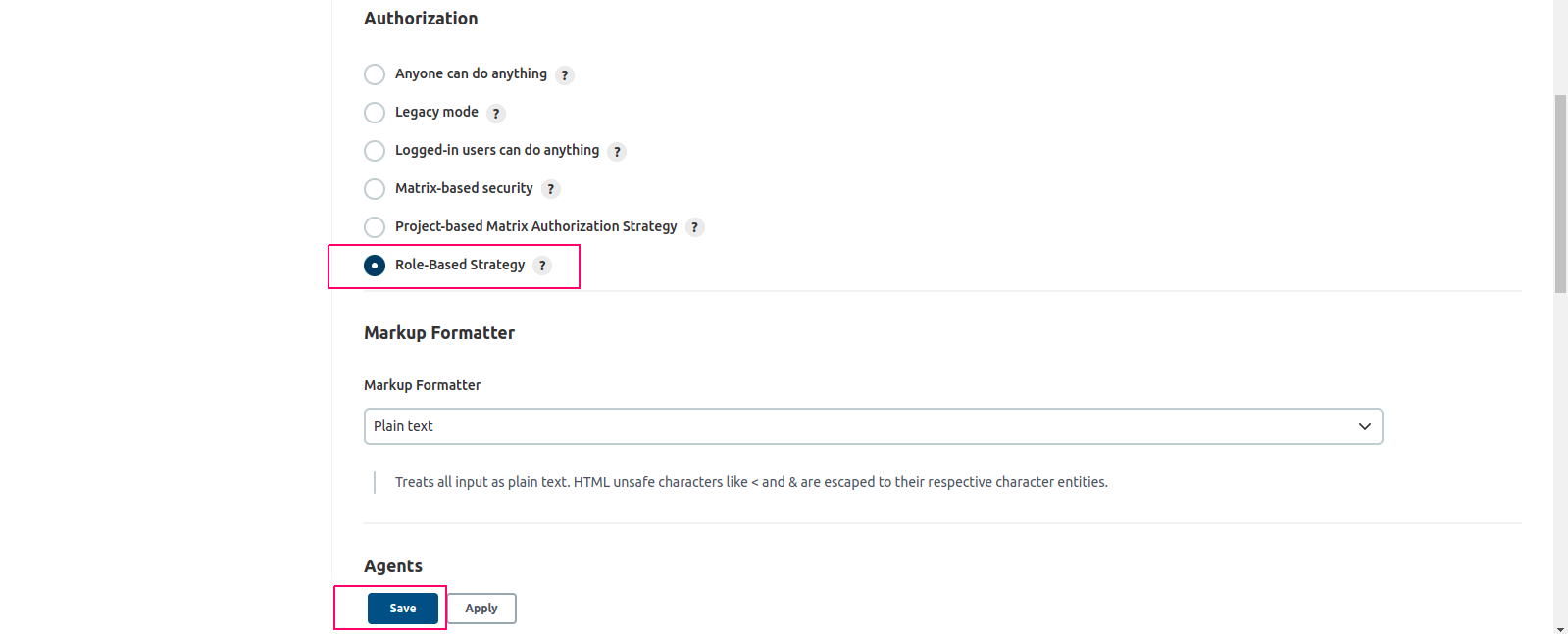
- Now,Go to Manage Jenkins–>Click on Configure Global Security.
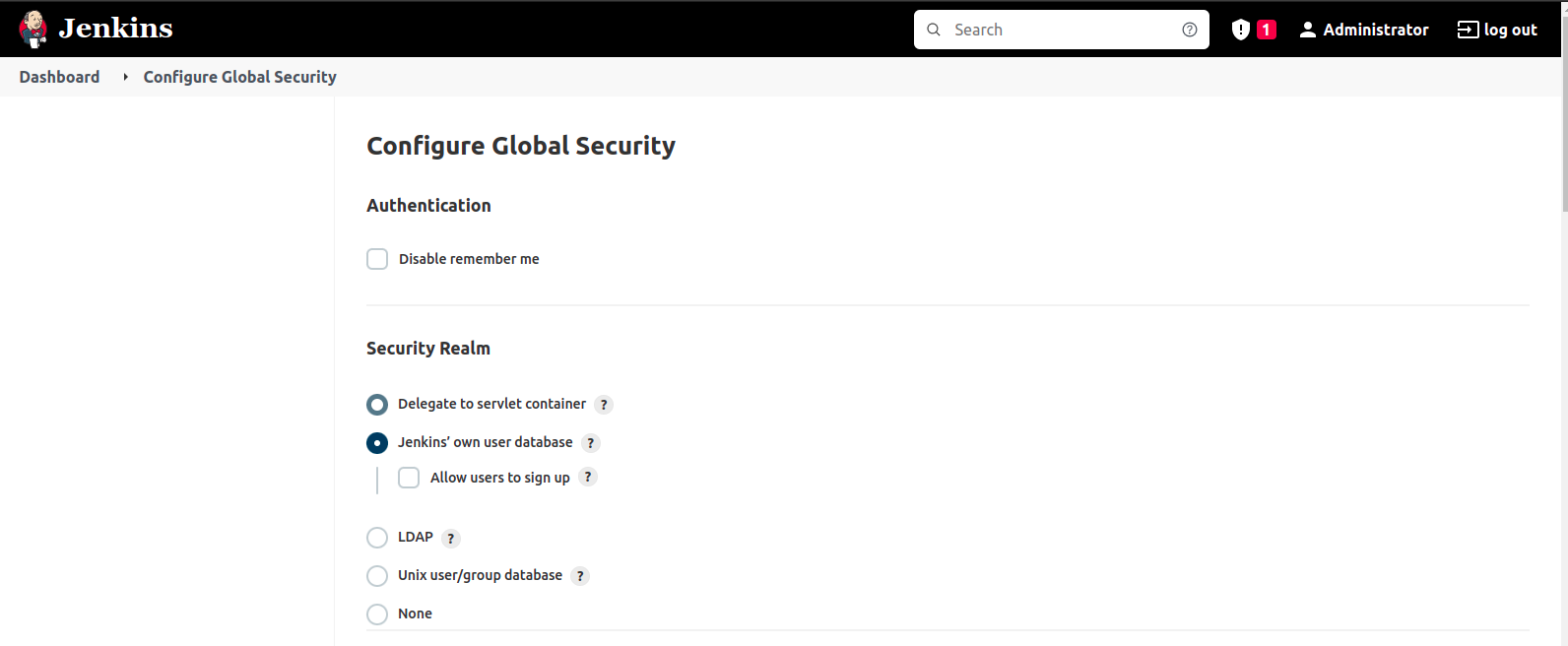
- On Configure Global security —->Scroll down the page.
- Under Authorization,select Role-Based Strategy.
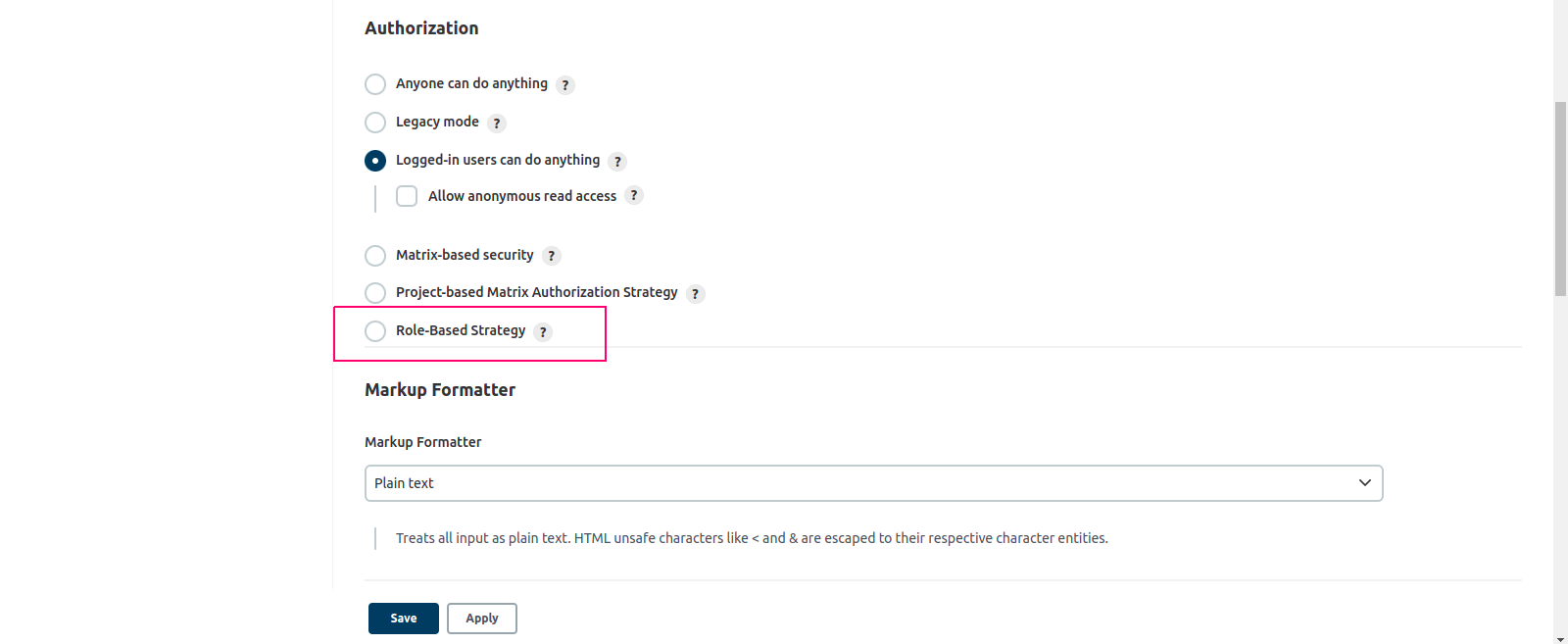
- Click on Save.
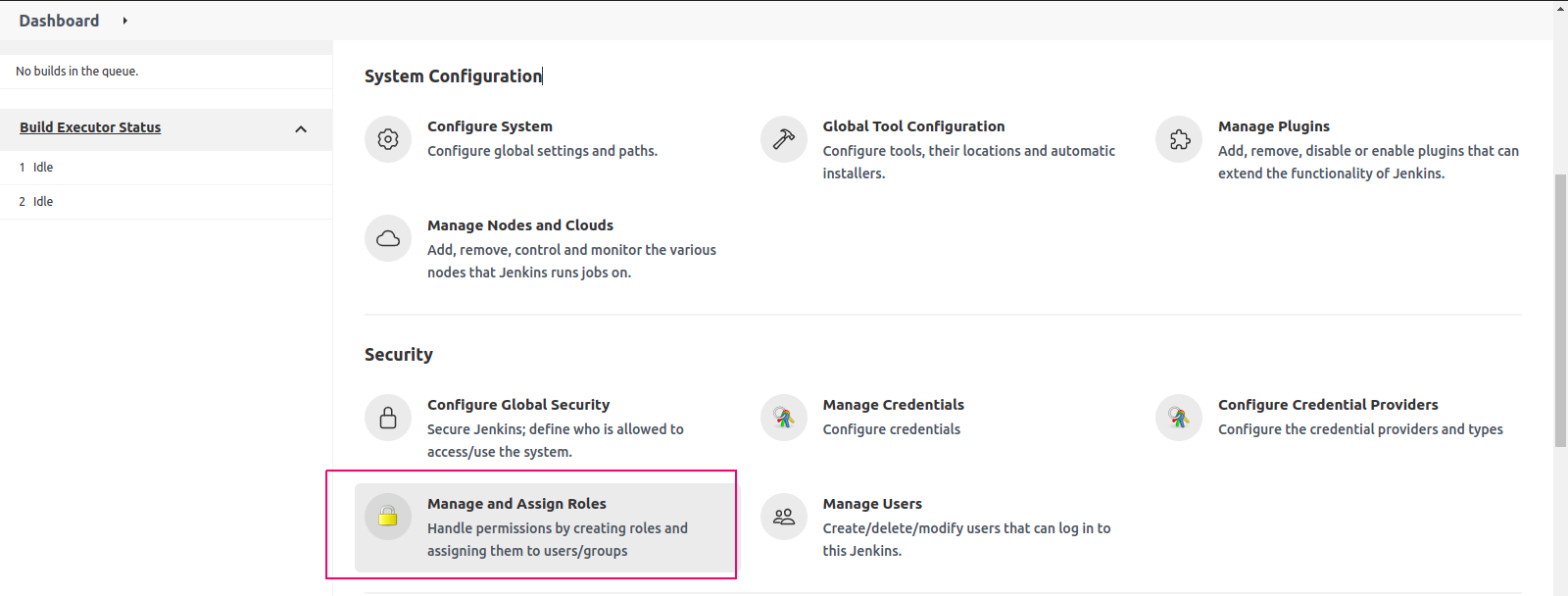
Manage Users and Roles in Jenkins
- Go to Manage Jenkins–>Manage & Assign Roles.
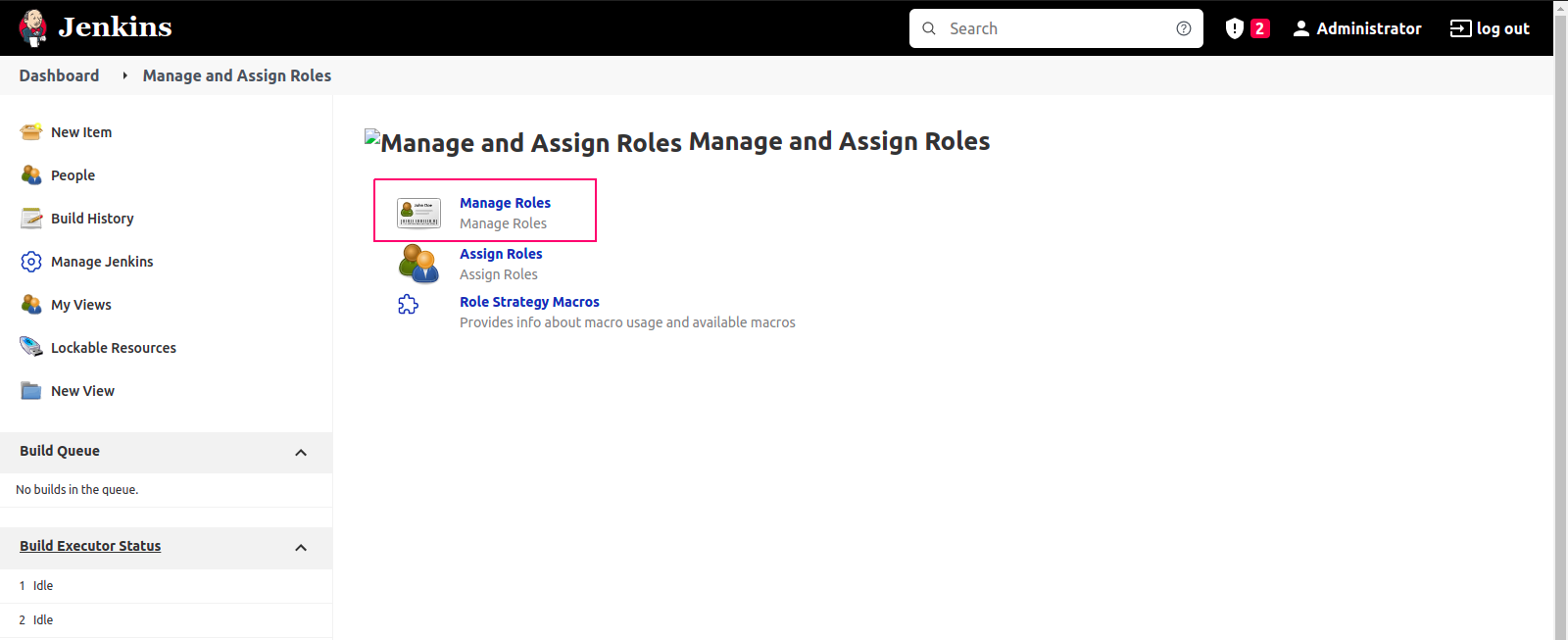
- Click on Manage Roles.
- Now Create a New Role.
- Under Role to Add,Provide a Role name like Tester.
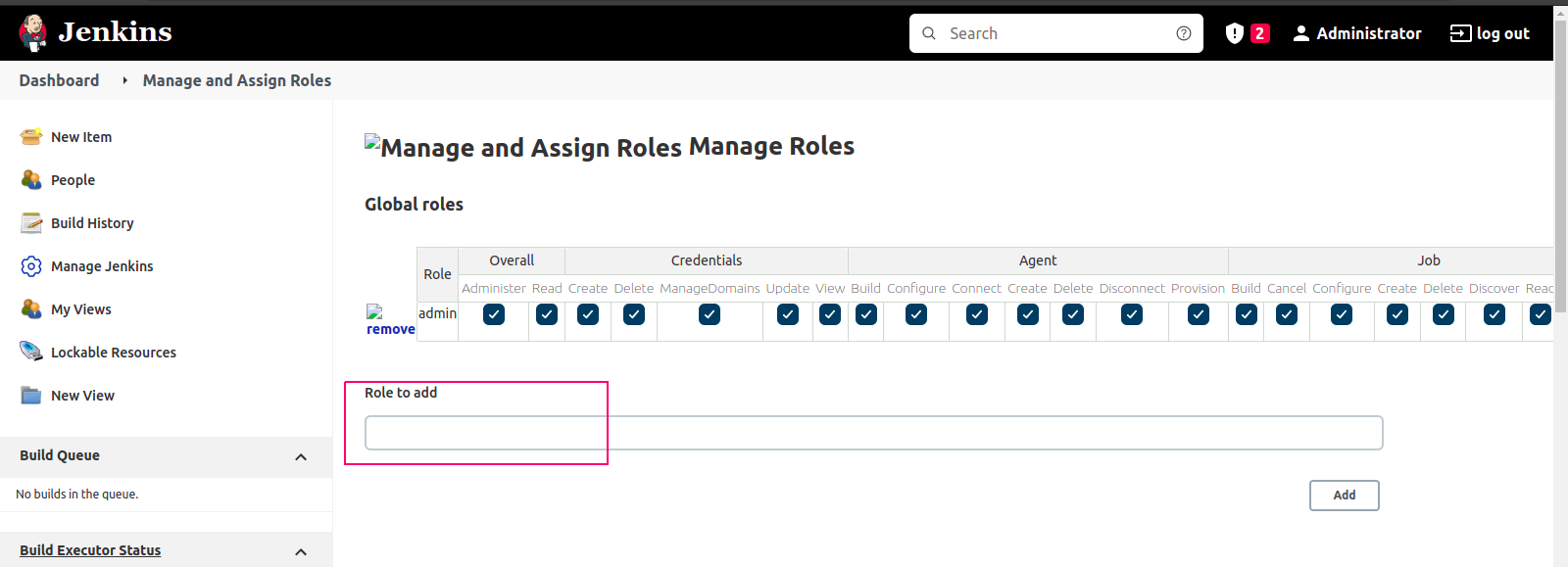
- Click on Add.
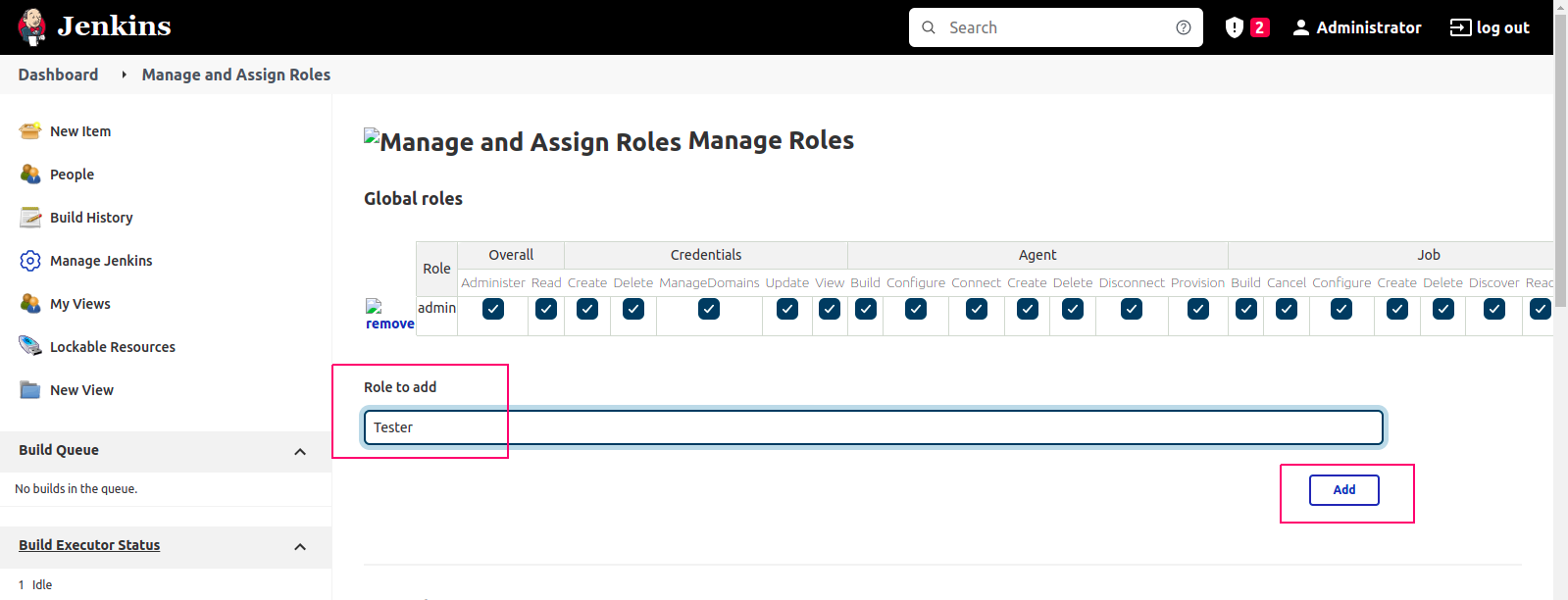
- Role is Added.
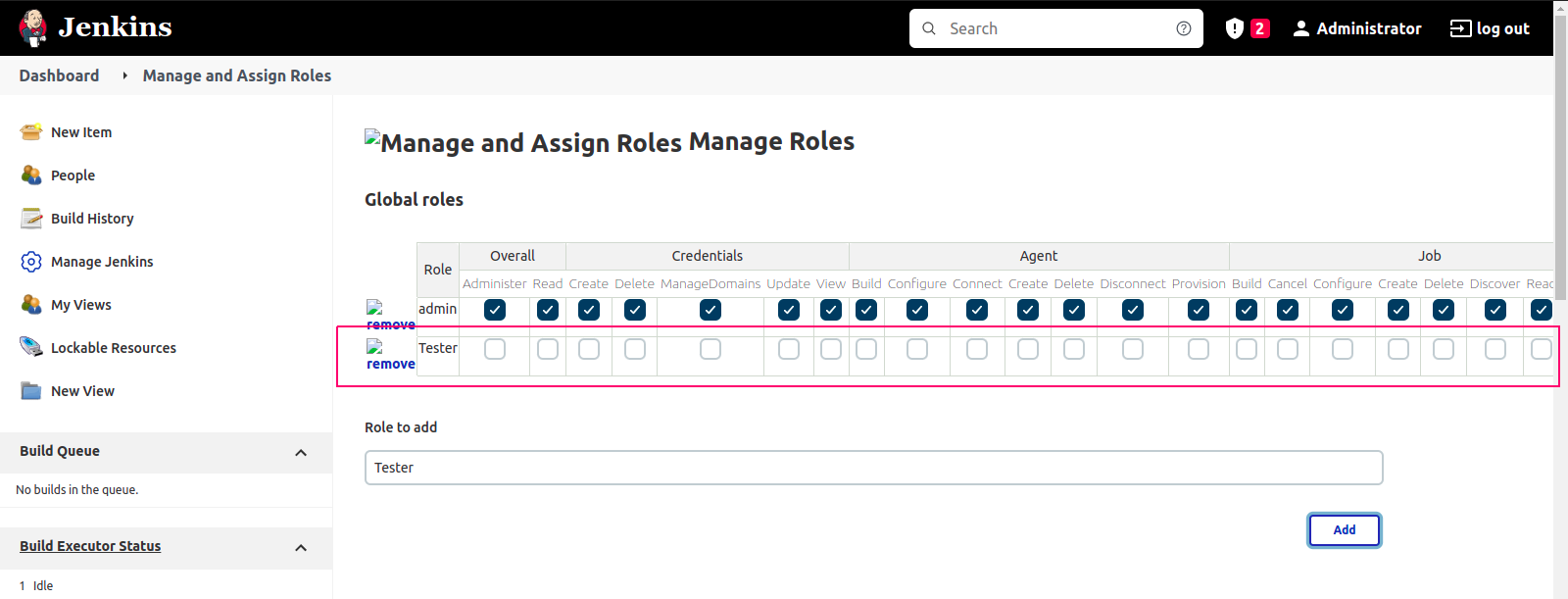
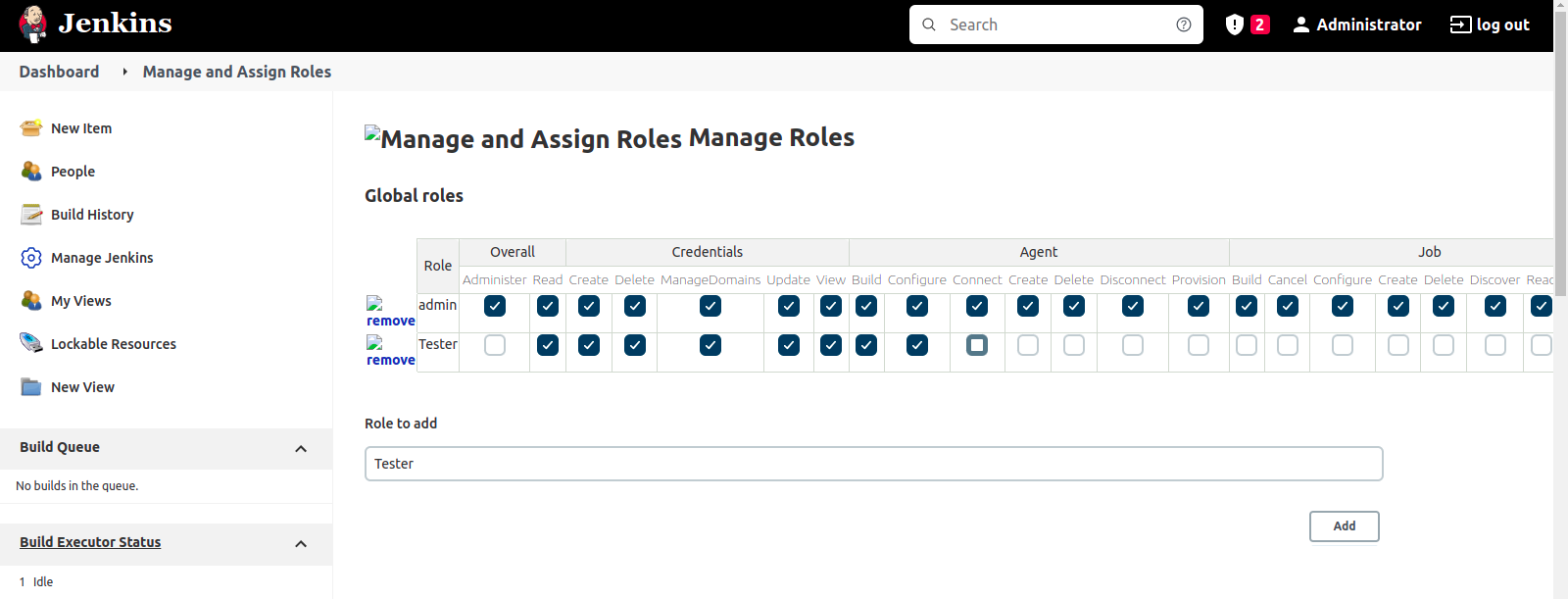
- Now, select the Jenkins user permissions we want to assign to the “Tester” role.
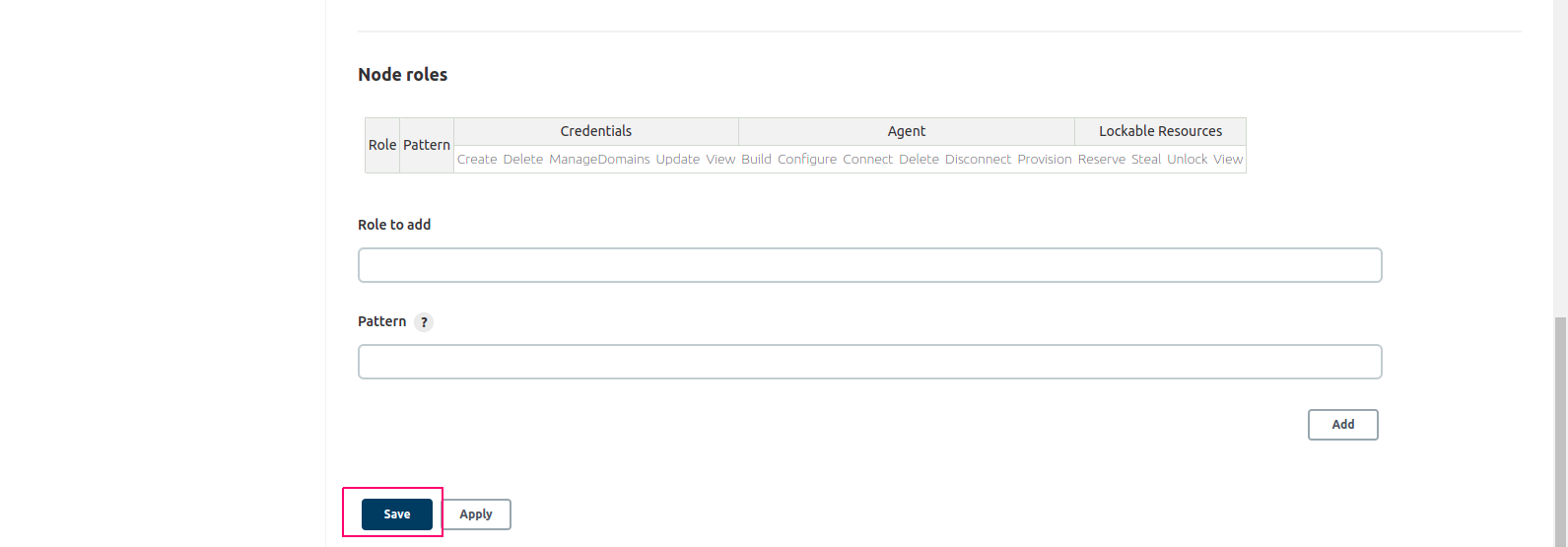
- Click on Save.
Assign Roles to User
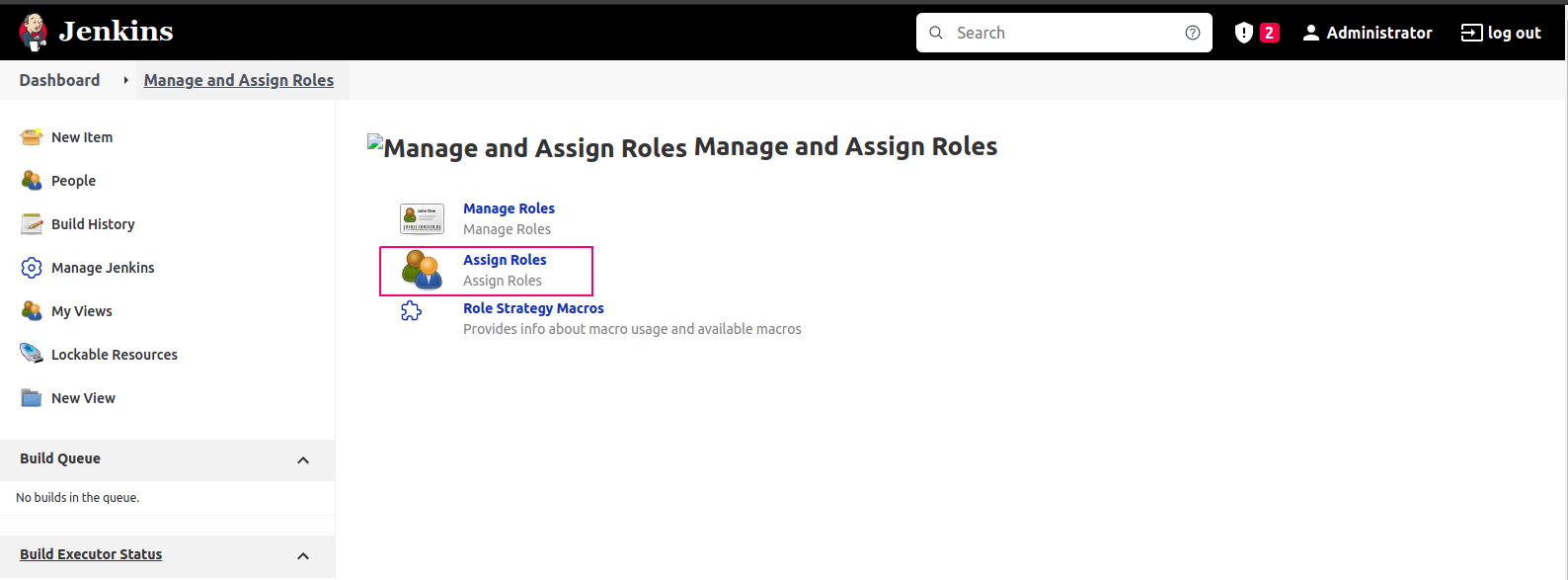
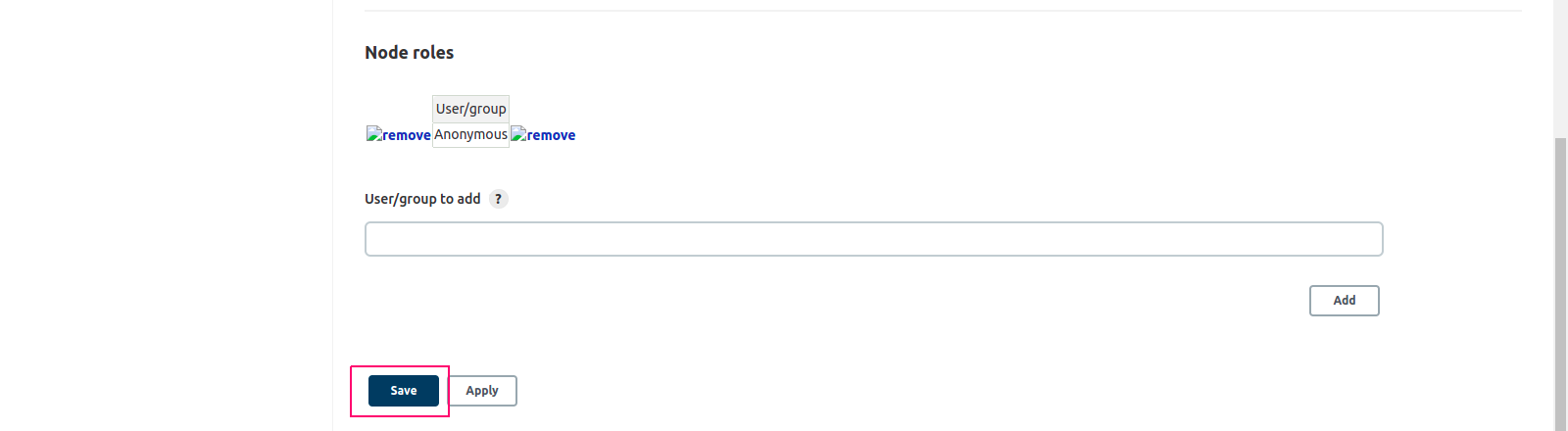
- Under Manage & Assign Roles,Click on Assign Roles.
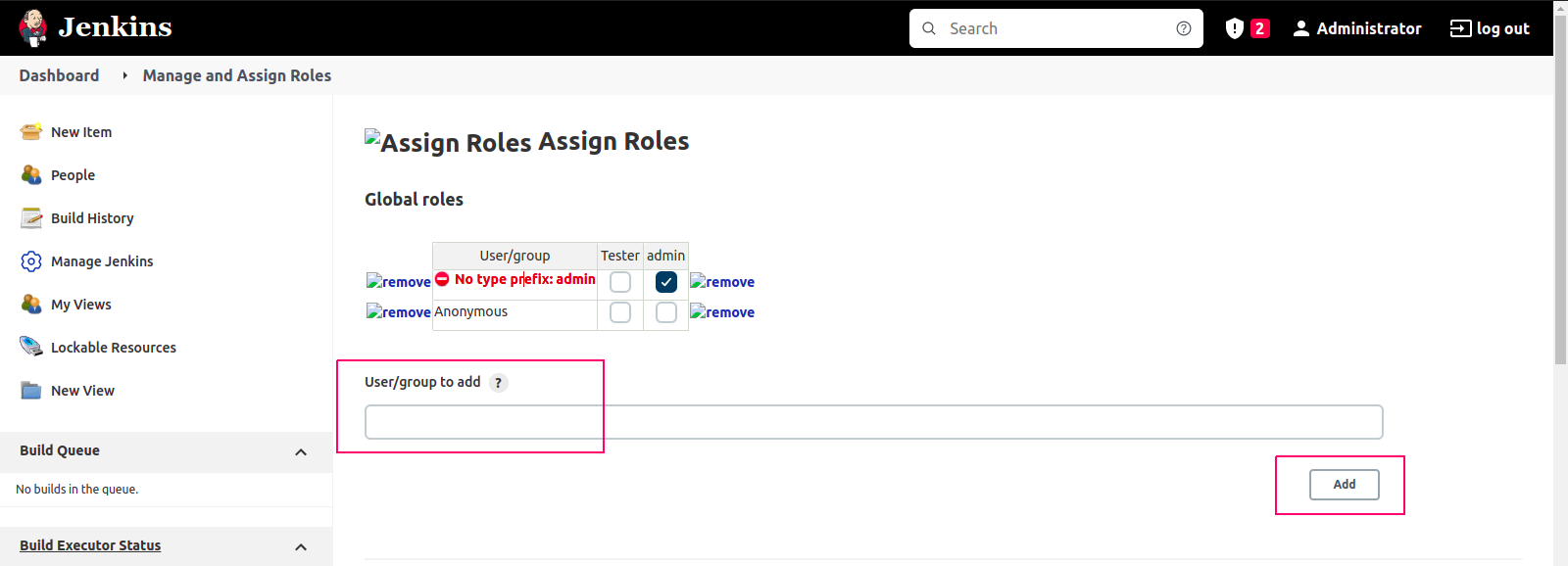
- Under User/Group to Add,provide user name.
- Click on Add.
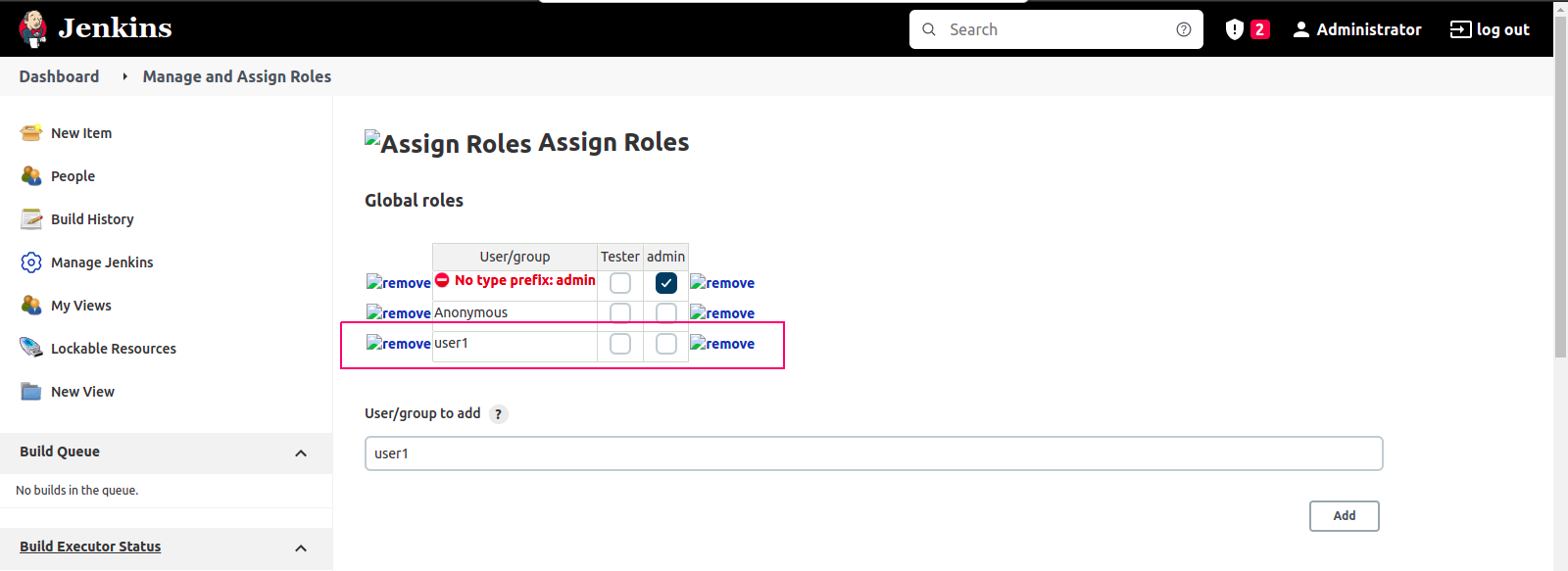
- User is Added.
- Assign created Role to user,click on Tester role checkbox.
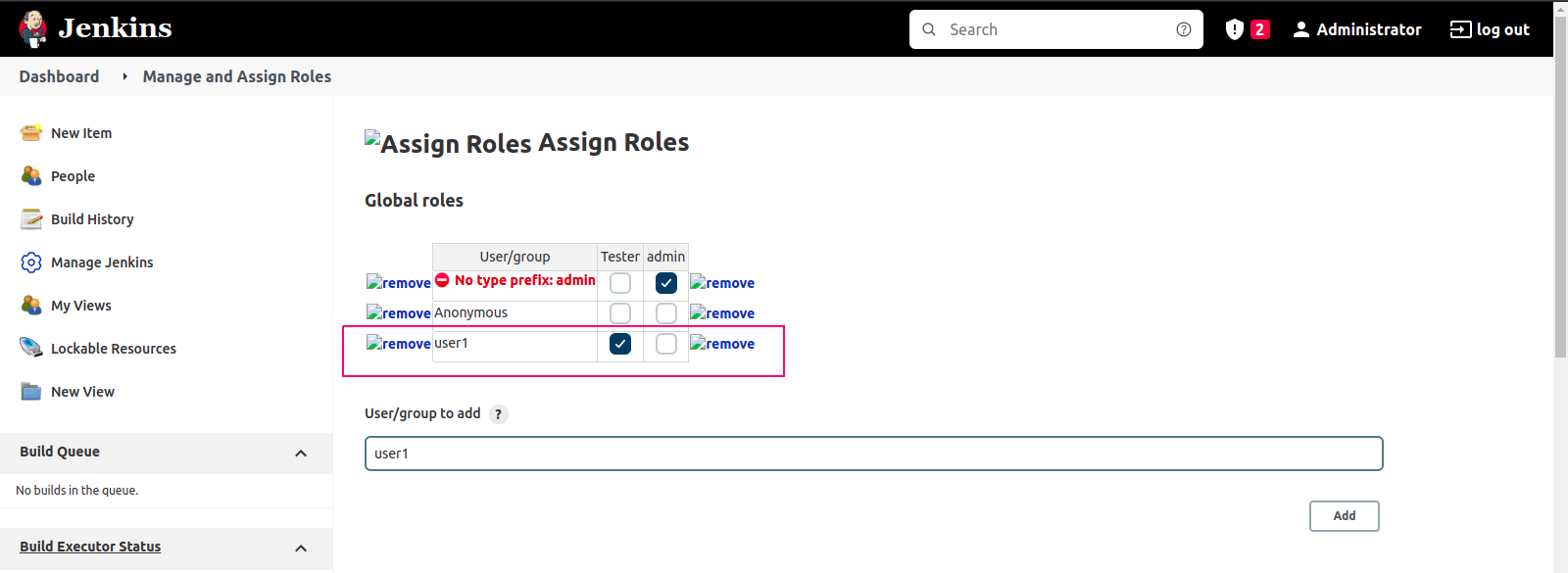
- Click on Save.
Login to Created User Account
- Login to Created User Account using Jenkins server URL.
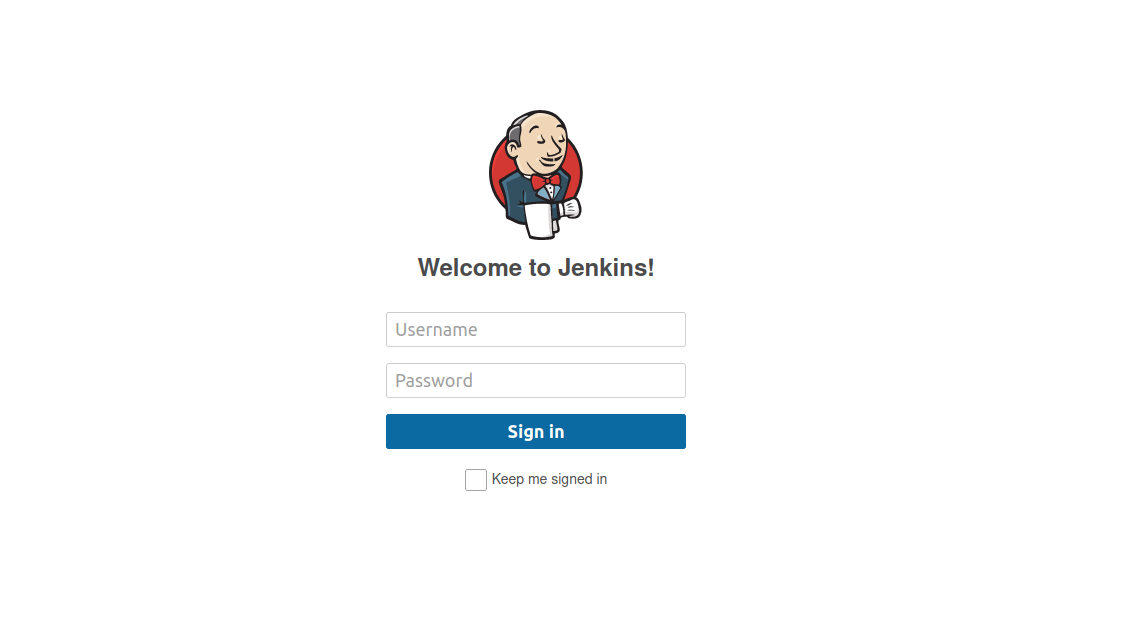
- Provide the Created User name & password.
- Click on Sign in.
- Now,Created User Account is successfully setup.